 Scriptas
Set up hot cues
Six buttons you pick, next to your profile.
Hot cues, timers and messages3 steps
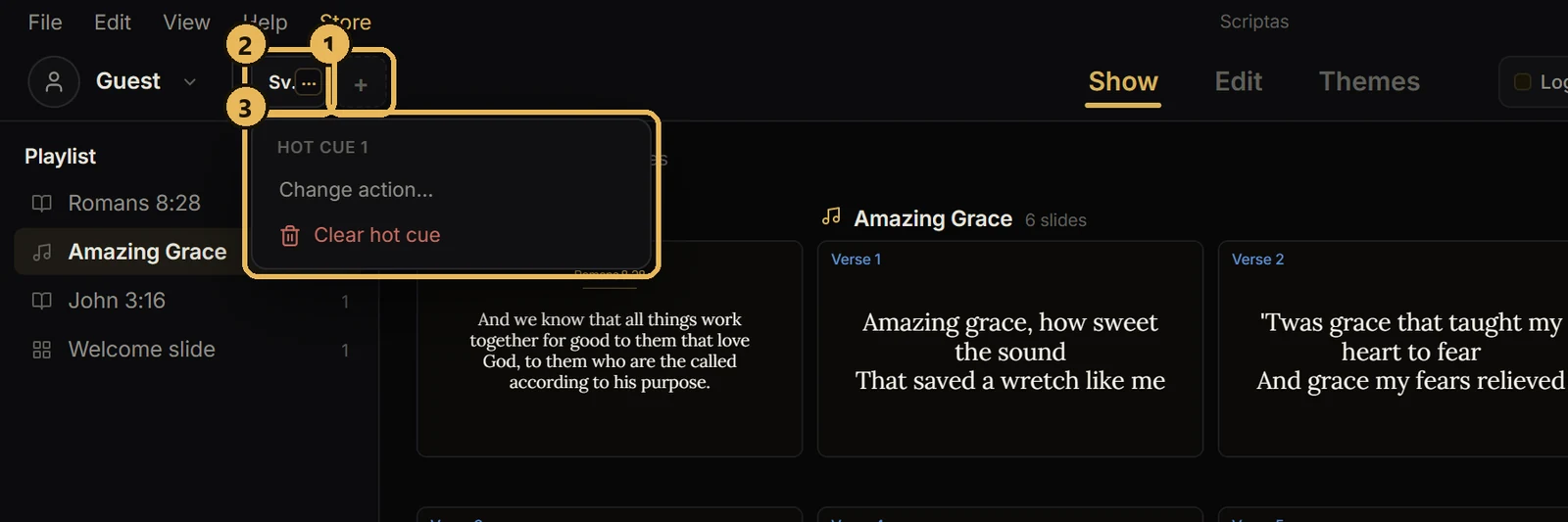
- 1Click an empty hot cue square (+) and choose what it does.
- 2Click the square, or press its number key, to run it.
- 3Hover over a square and use ⋯ (or right-click) to change or clear it.
Related guides
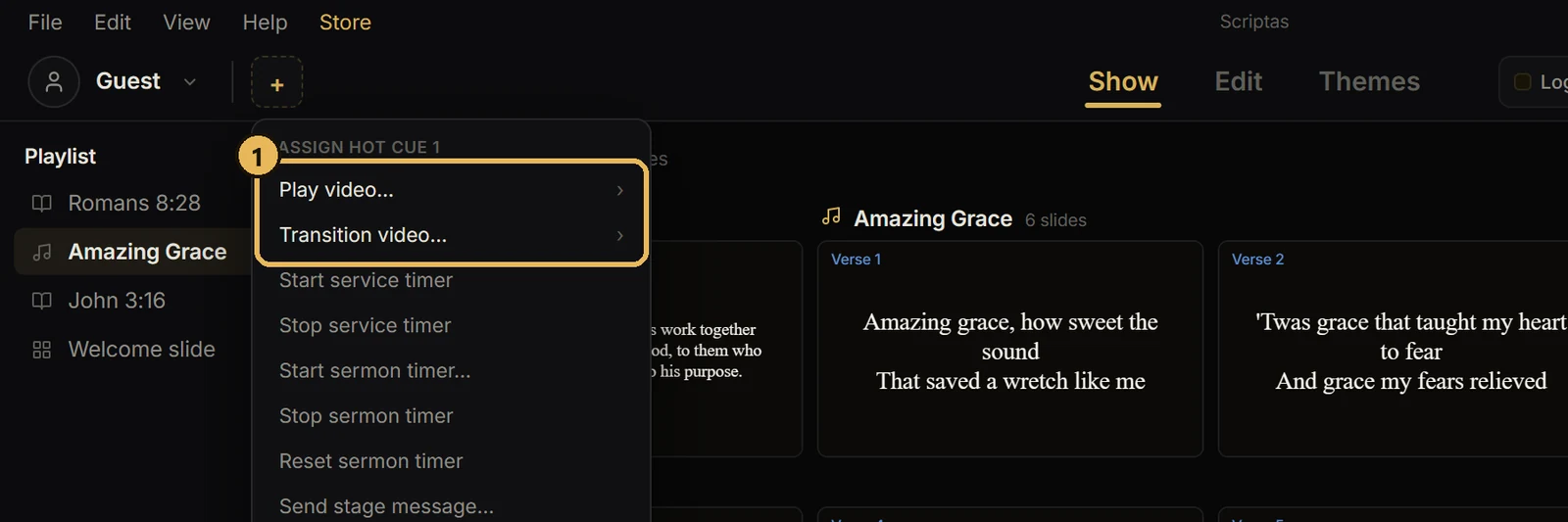
Hot cues, timers and messagesPlay a video from a hot cueTwo kinds: Play video and Transition video.
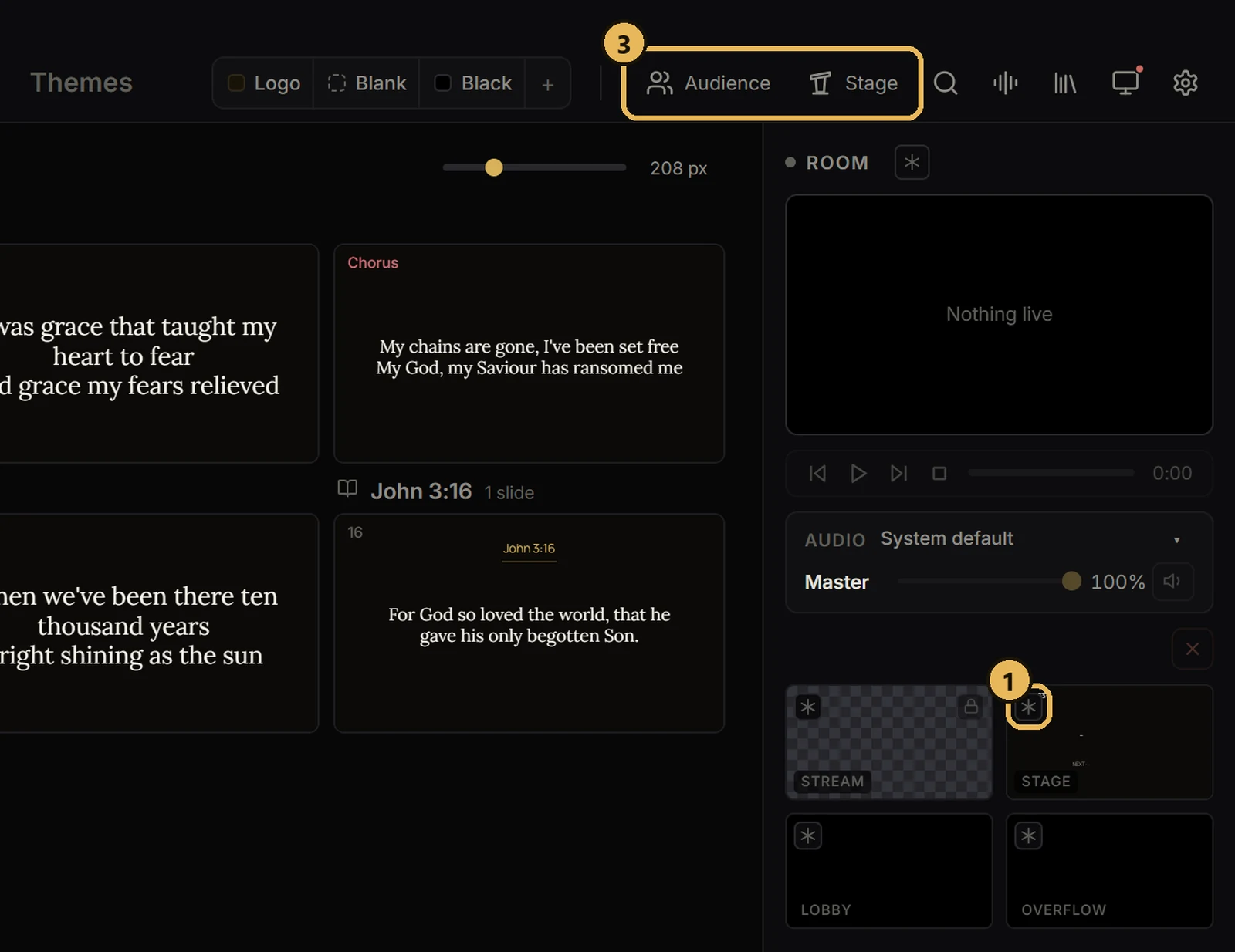
Screens and outputsFreeze or black out a screenHold one screen while you work, or make it dark.
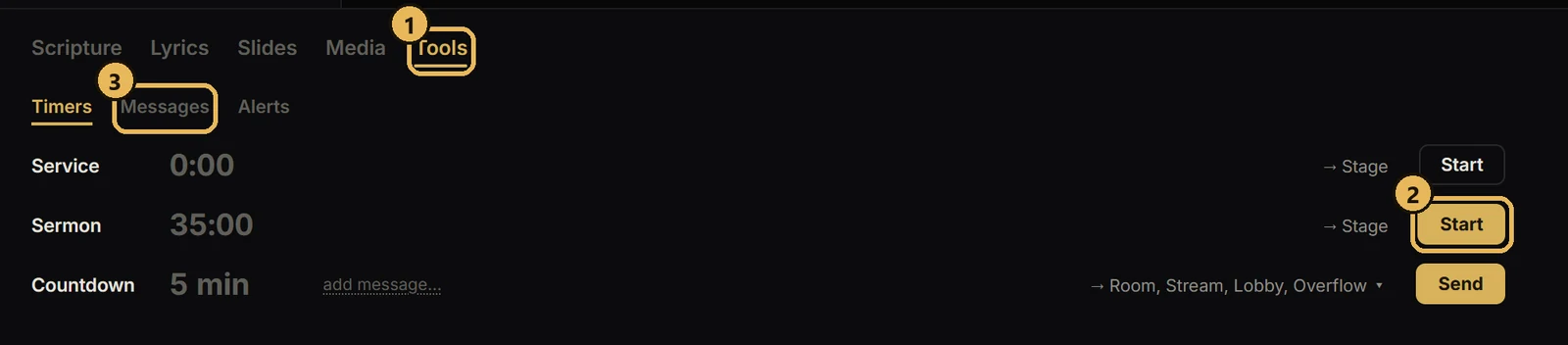
Hot cues, timers and messagesTimers, stage messages and alertsCountdowns and notes for the stage.
Bible and scriptureSend a Bible verseType a reference and send it to screens.