 Scriptas
Add Scriptas to OBS
Words overlaid on your camera.
Streaming and NDI3 steps
- 1In Scriptas, open Settings → Connection & Remote displays. Under Links, pick “OBS browser source” and press Copy link.
- 2In OBS, add a Browser Source and paste the link.
- 3Match it to your canvas size. The background stays see-through.
Related guides
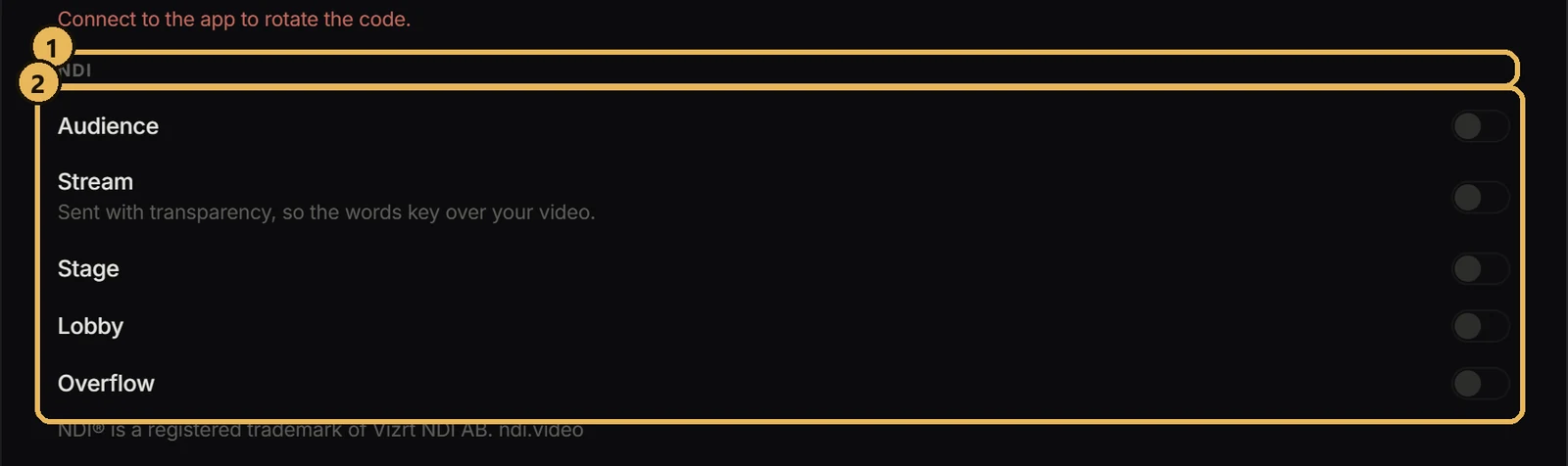
Streaming and NDISend a screen over NDIFeed any Scriptas screen into OBS, vMix or another computer.
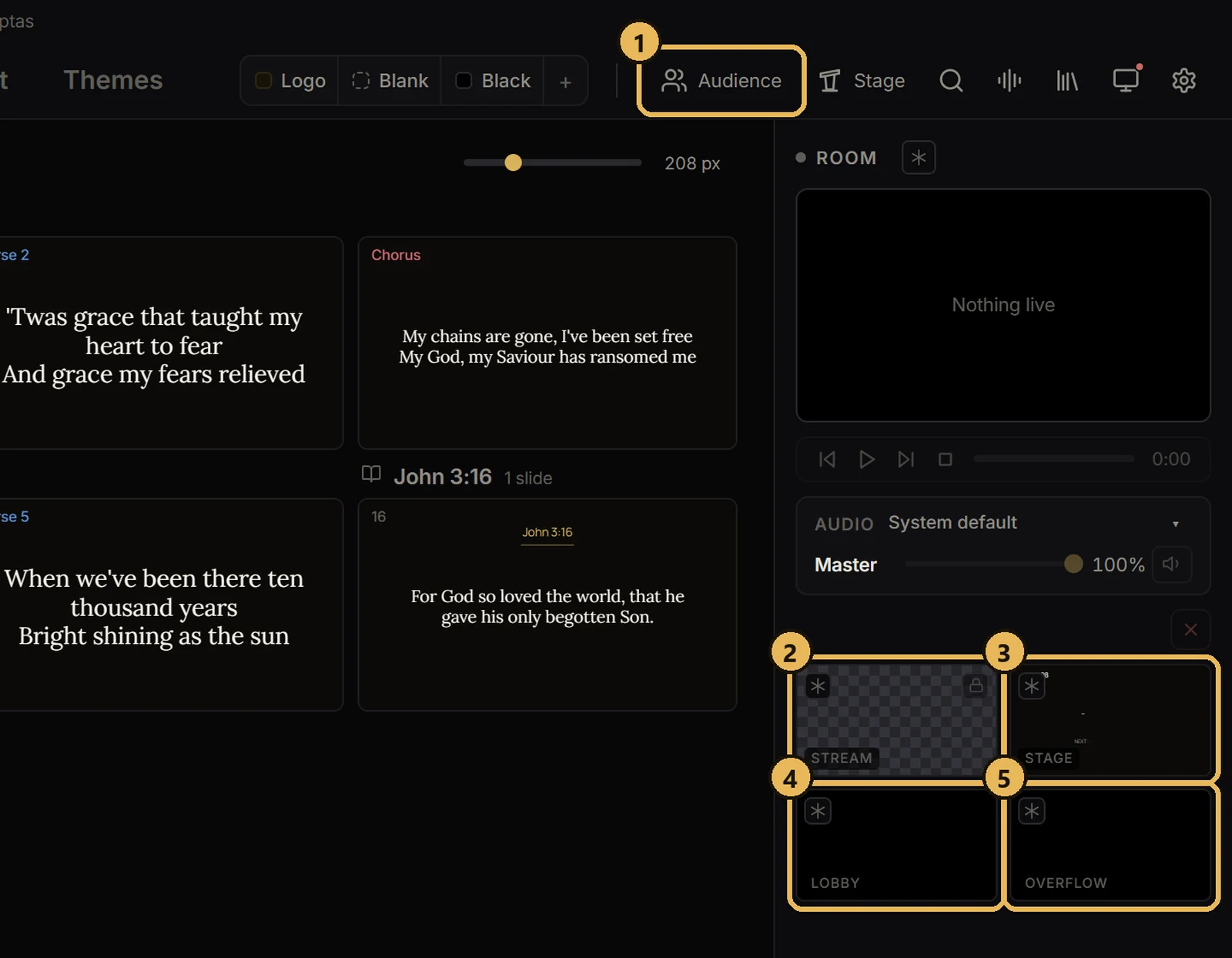
Screens and outputsThe five screensWhat each one does.
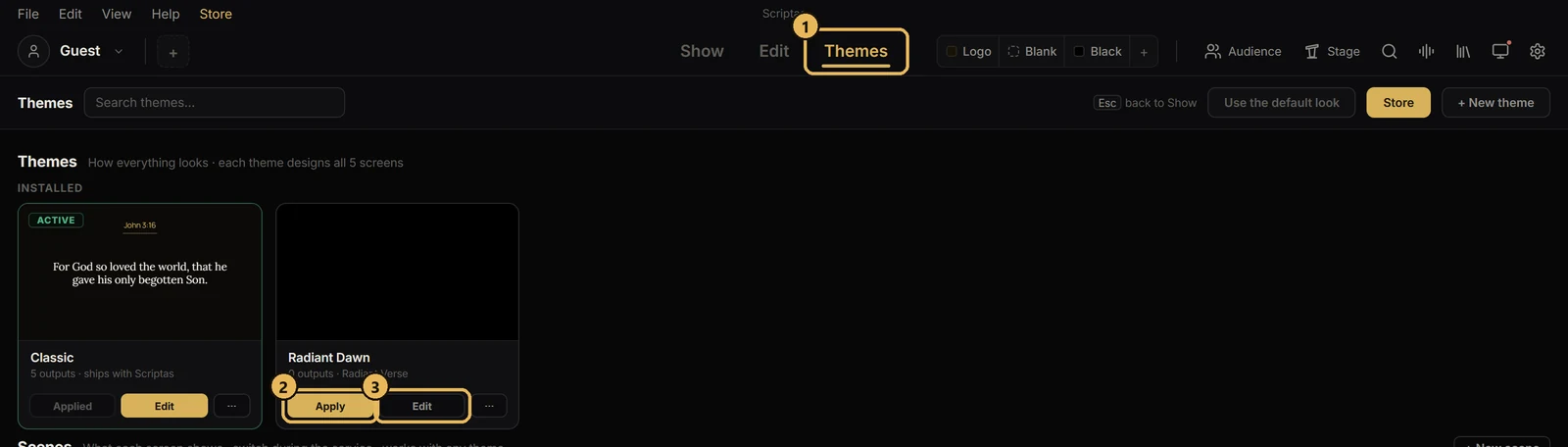
Themes and scenesApply a themeOne look for Scripture, songs and announcements.
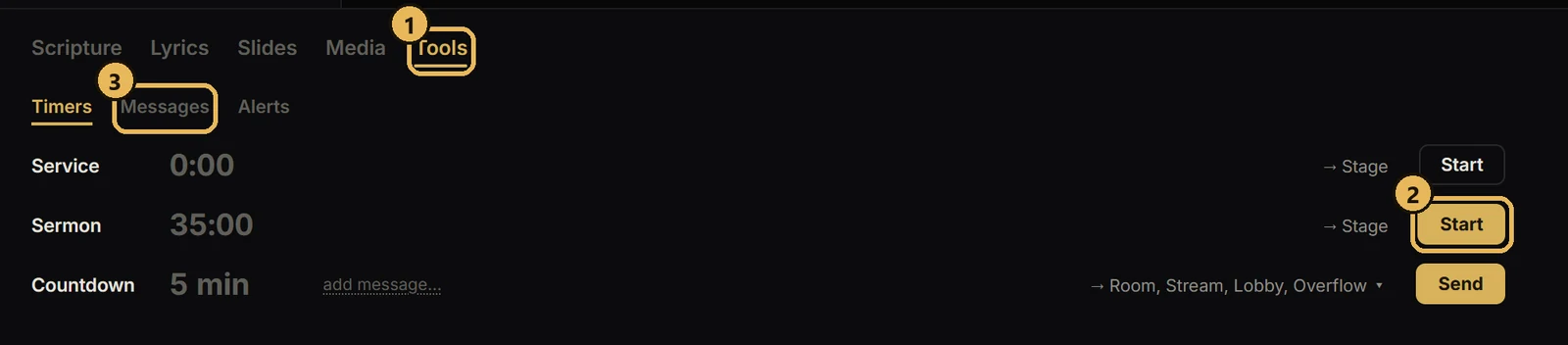
Hot cues, timers and messagesTimers, stage messages and alertsCountdowns and notes for the stage.