 Scriptas
The TV can't find the computer
scriptas.org/display says no computer answered.
Troubleshooting3 steps
- 1Check the code matches the one in Settings → Connection & Remote displays (codes can change).
- 2Confirm Scriptas is open on the church computer and “Screens find this computer” is on.
- 3Check the TV is on the same network as the computer, or tick “This screen isn't at the church”.
Related guides
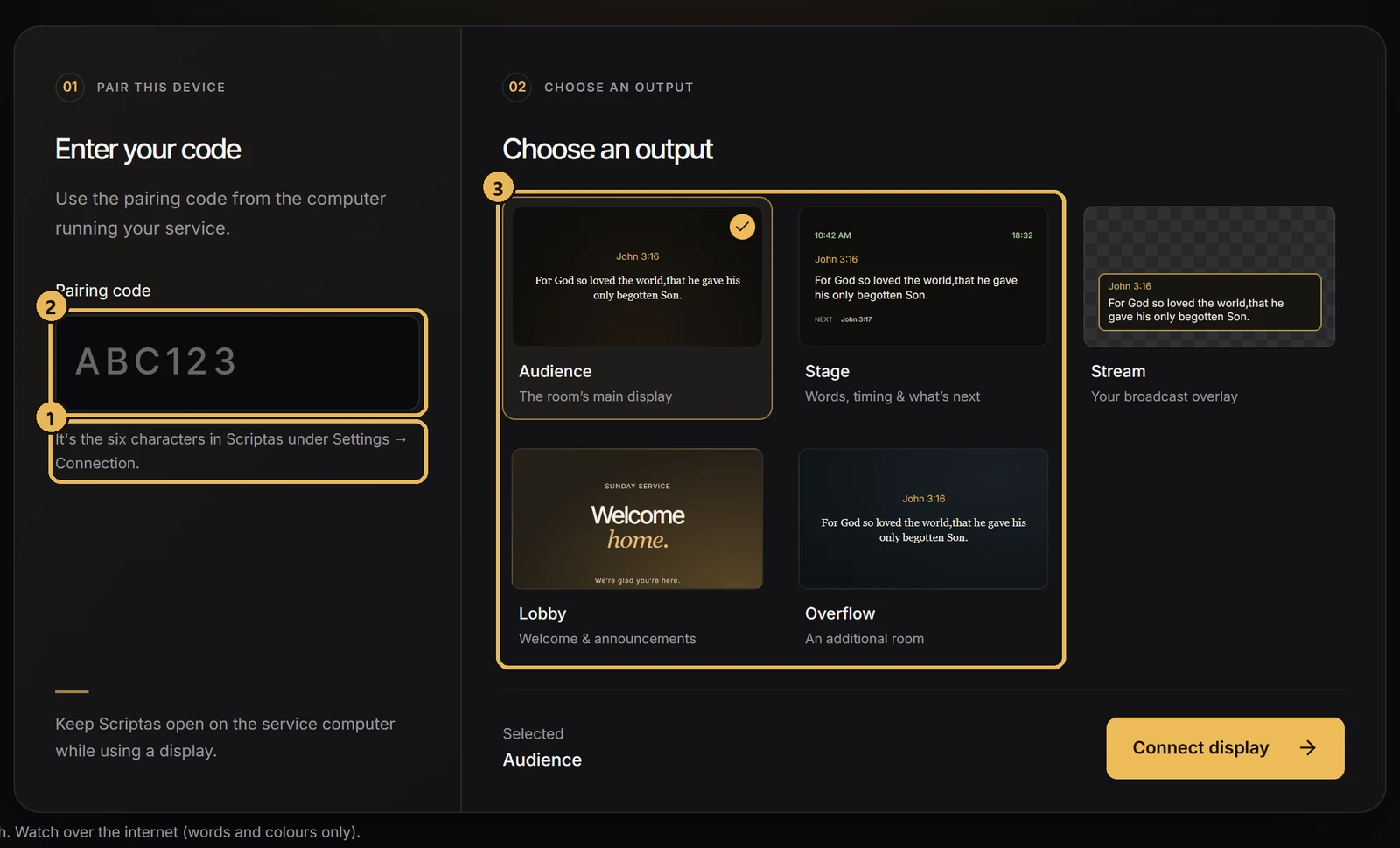
Screens and outputsPut a TV on a Scriptas screenJoin any TV on the church network with a 6-character code.
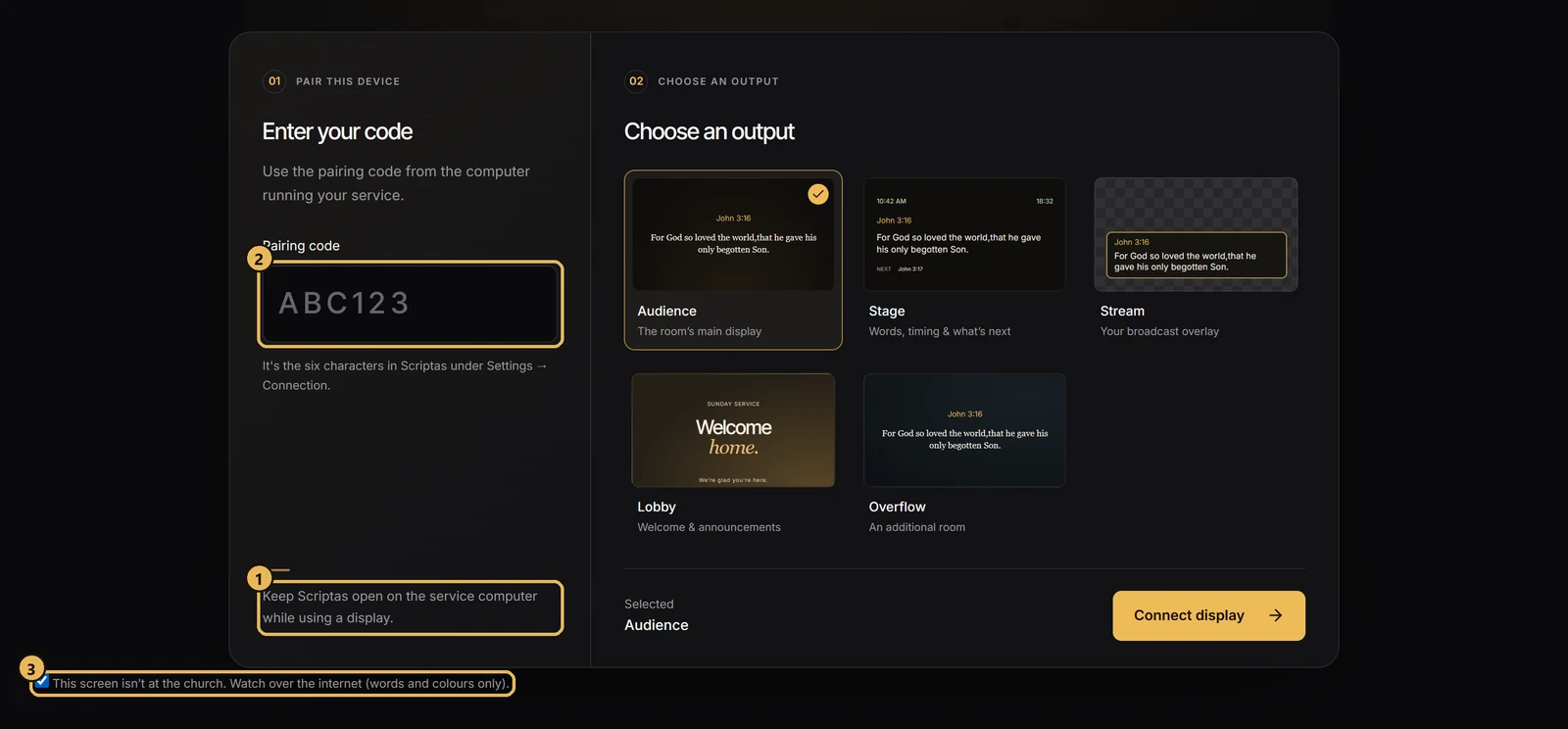
Screens and outputsShow the service off siteA TV off the church network can still follow along.
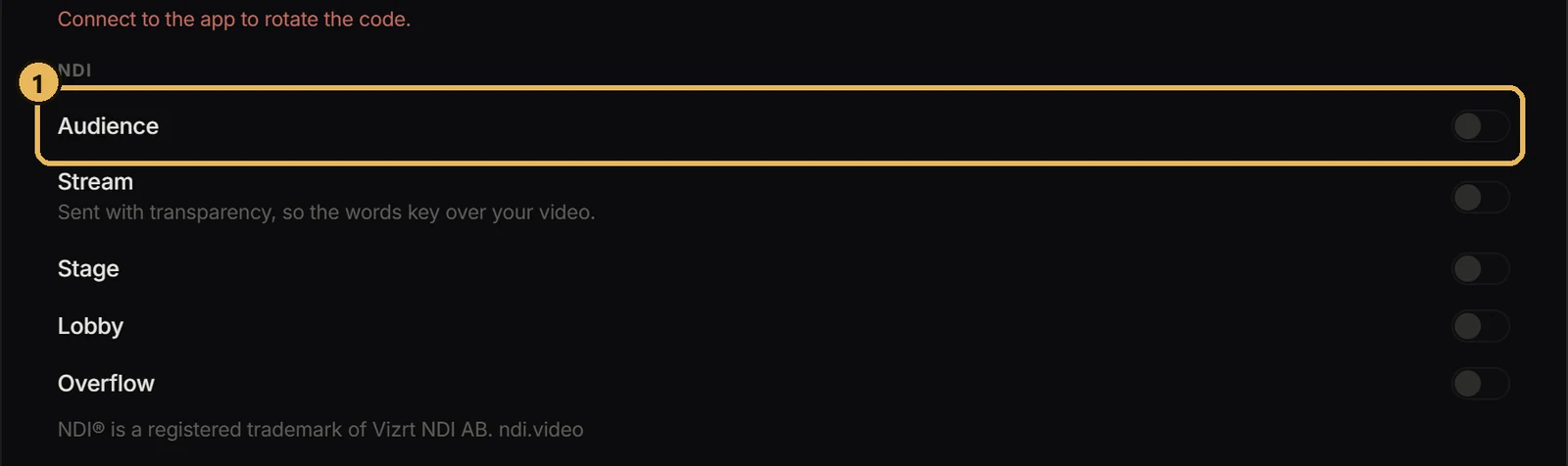
TroubleshootingAn NDI source is missingYour video app can't see Scriptas.
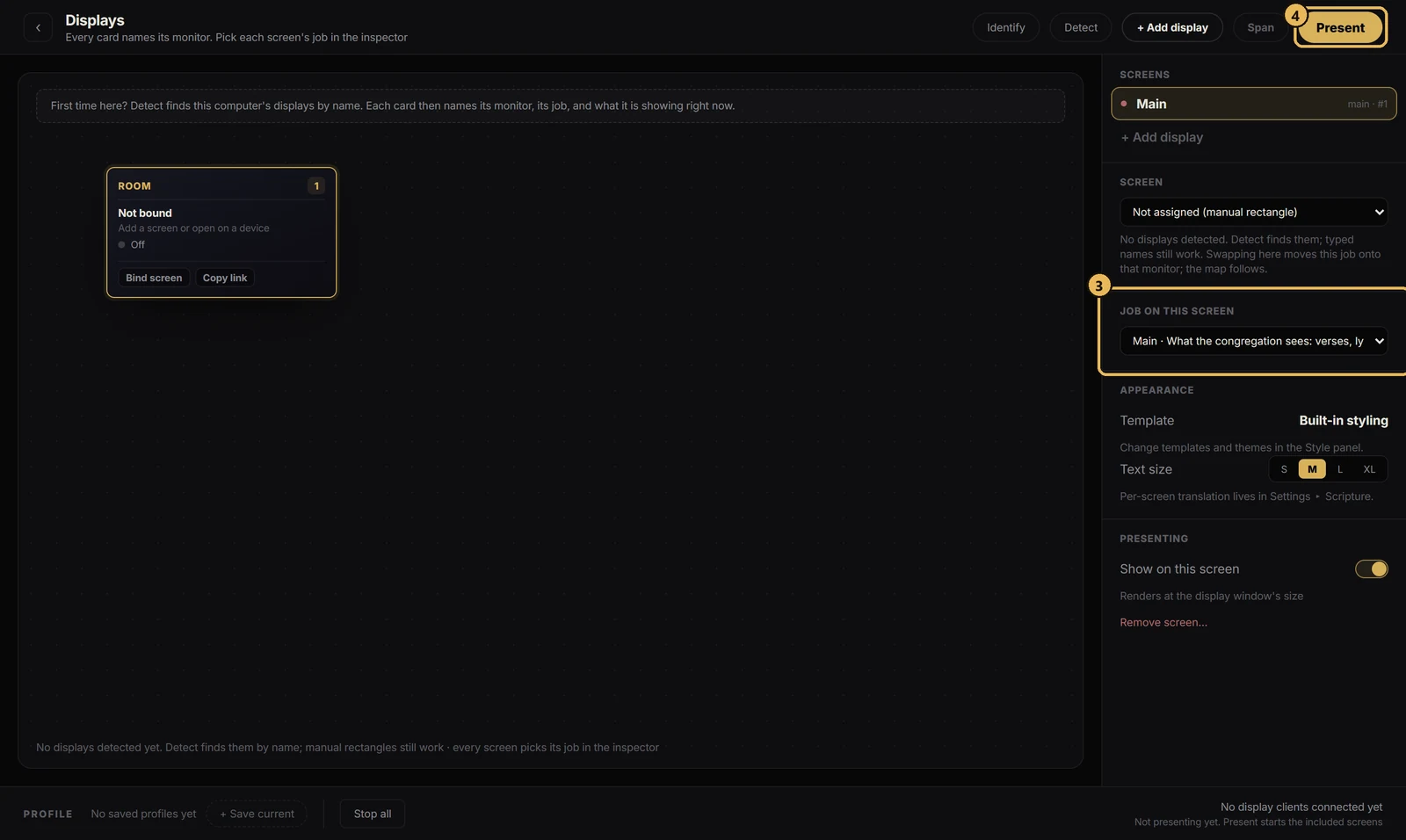
Getting startedSet up Scriptas on the church computerInstall it one time on the computer that drives your screens.