 Scriptas
Add videos and pictures
Upload once, then use it again.
Slides and media3 steps
- 1Open the Media tab and press Upload, or drop files on it.
- 2Click a video or picture to show it on the screens.
- 3Use the ⋯ menu on a video to make it loop or play muted by default.
Related guides
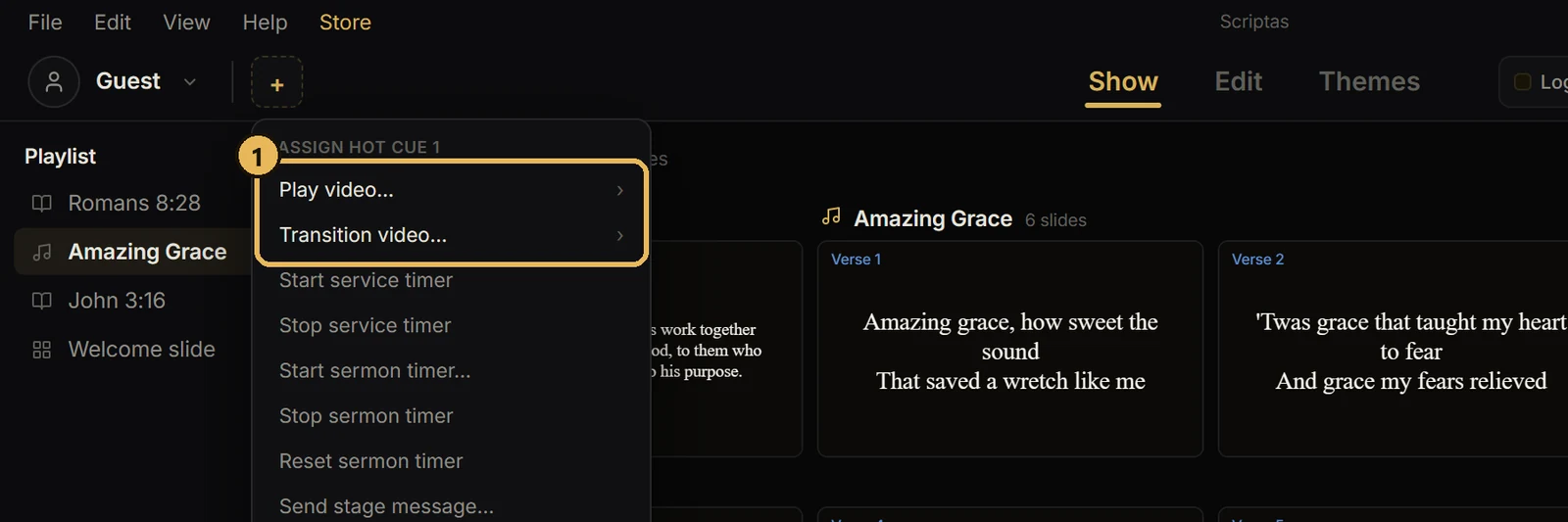
Hot cues, timers and messagesPlay a video from a hot cueTwo kinds: Play video and Transition video.
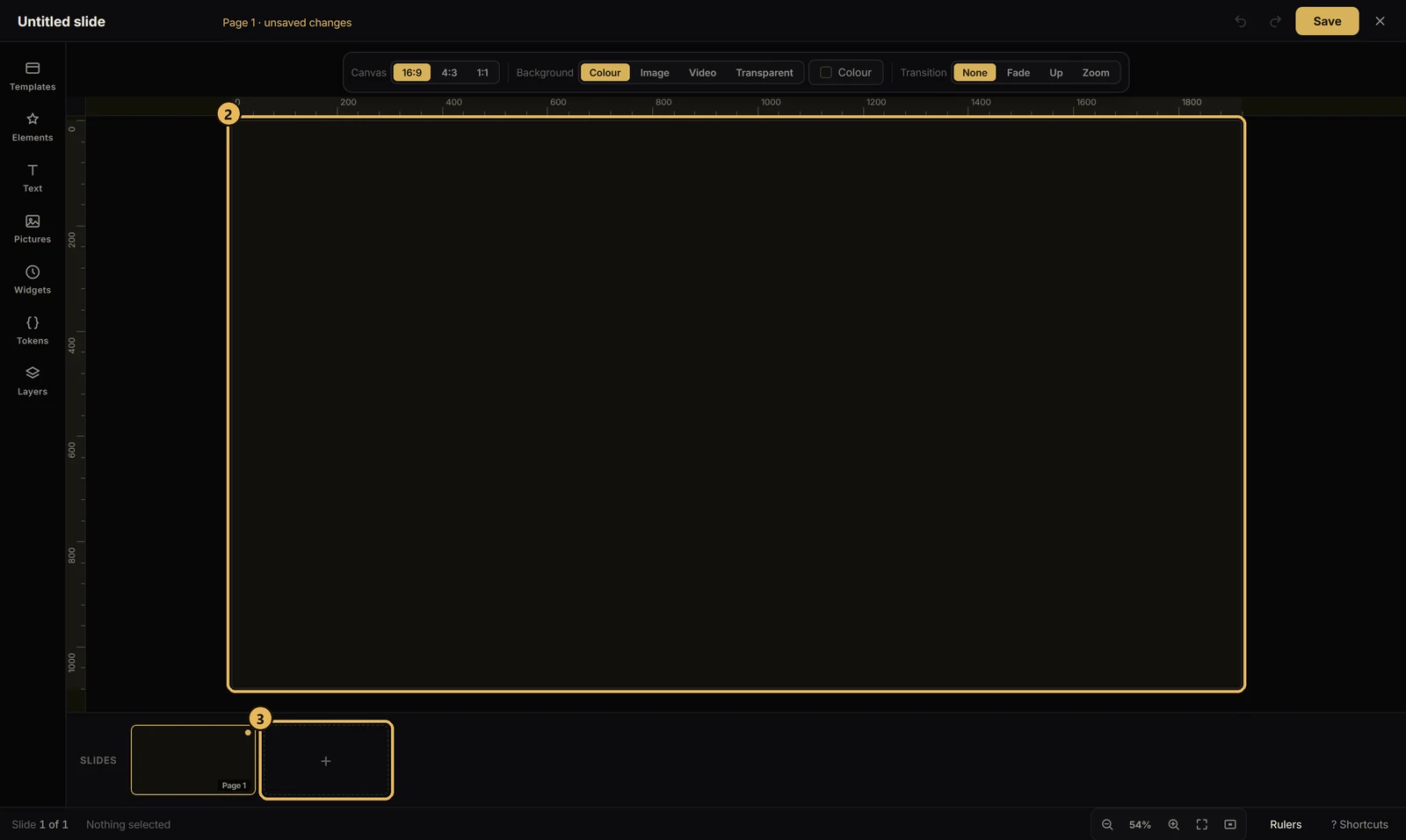
Slides and mediaCreate a slide or deckOne button for both.
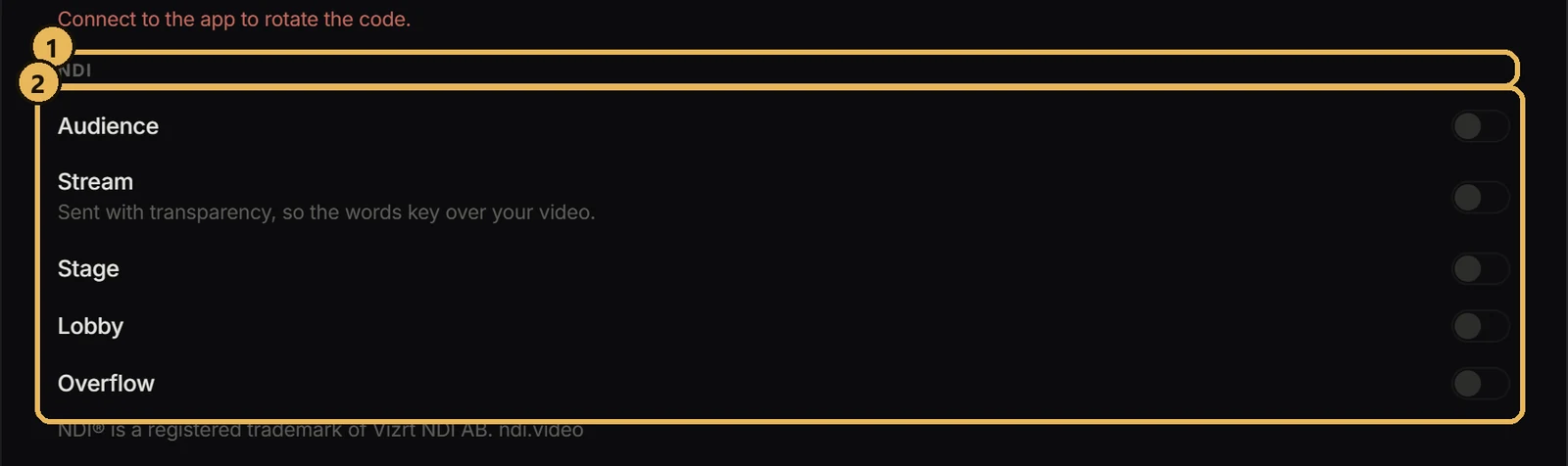
Streaming and NDISend a screen over NDIFeed any Scriptas screen into OBS, vMix or another computer.
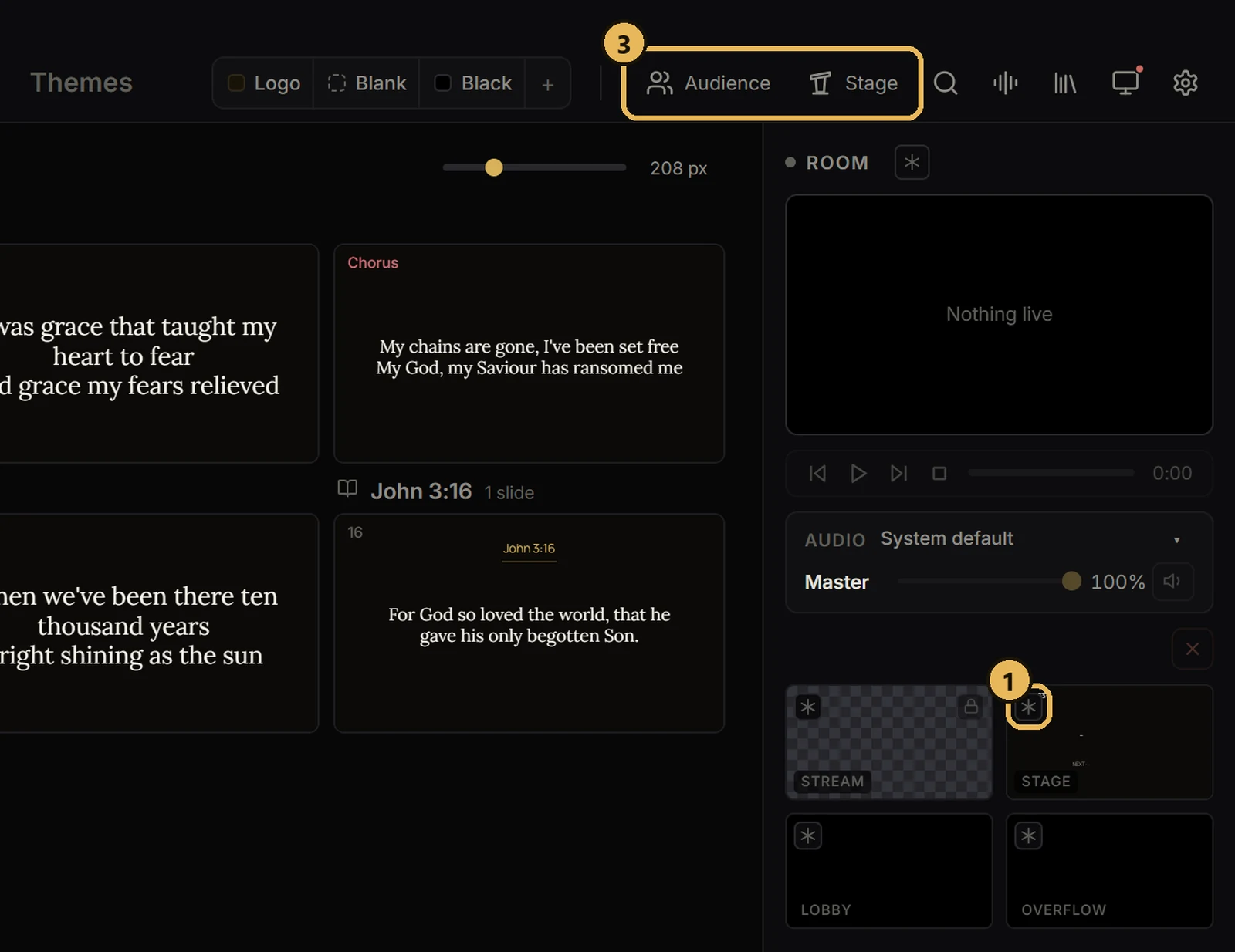
Screens and outputsFreeze or black out a screenHold one screen while you work, or make it dark.