 Scriptas
Send a screen over NDI
Feed any Scriptas screen into OBS, vMix or another computer.
Streaming and NDI3 steps
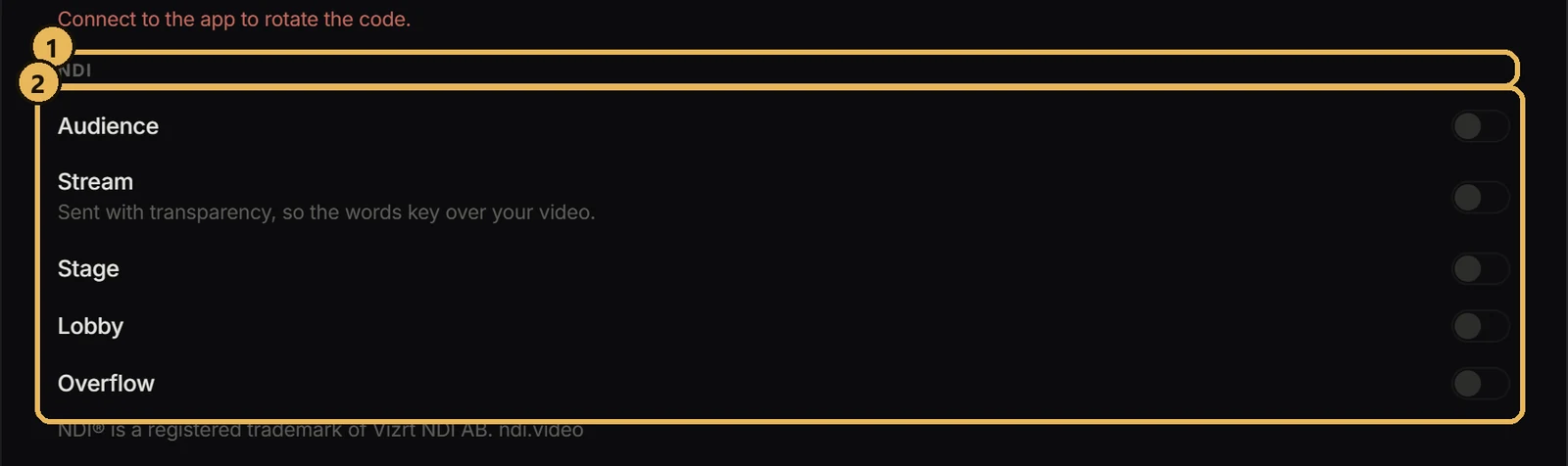
- 1Open Settings → Connection & Remote displays and find NDI.
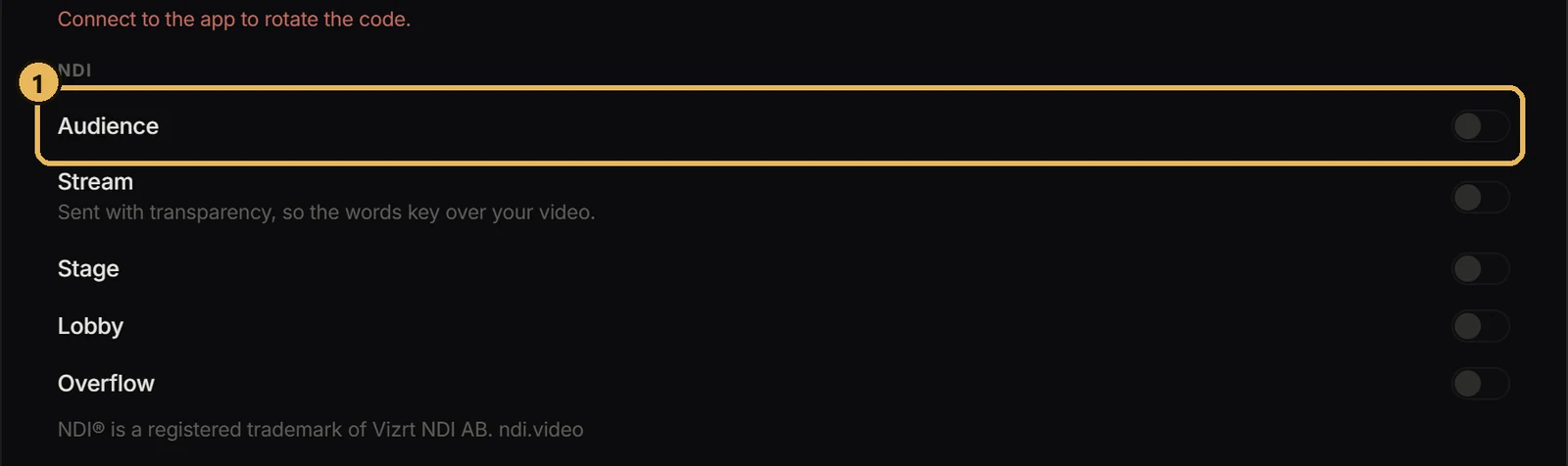
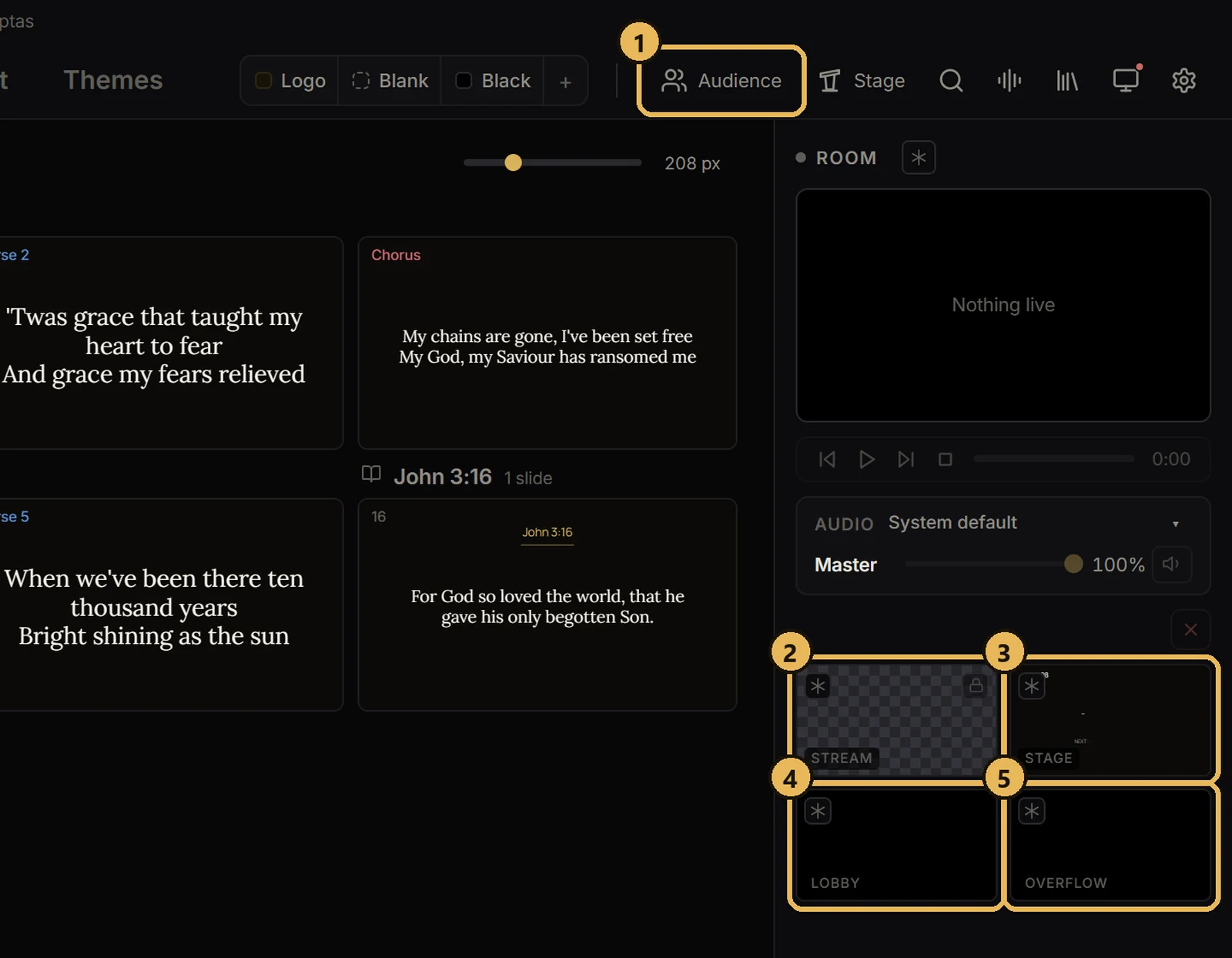
- 2Switch on the screens you want. Each becomes “Scriptas - Audience”, “Scriptas - Stream” and so on.
- 3In your video app, add an NDI source and pick it from the list.
Good to know
- Stream keeps its transparency.
- NDI carries a video's sound too, unless the video is set to mute.