 Scriptas
Show the service off site
A TV off the church network can still follow along.
Screens and outputs3 steps
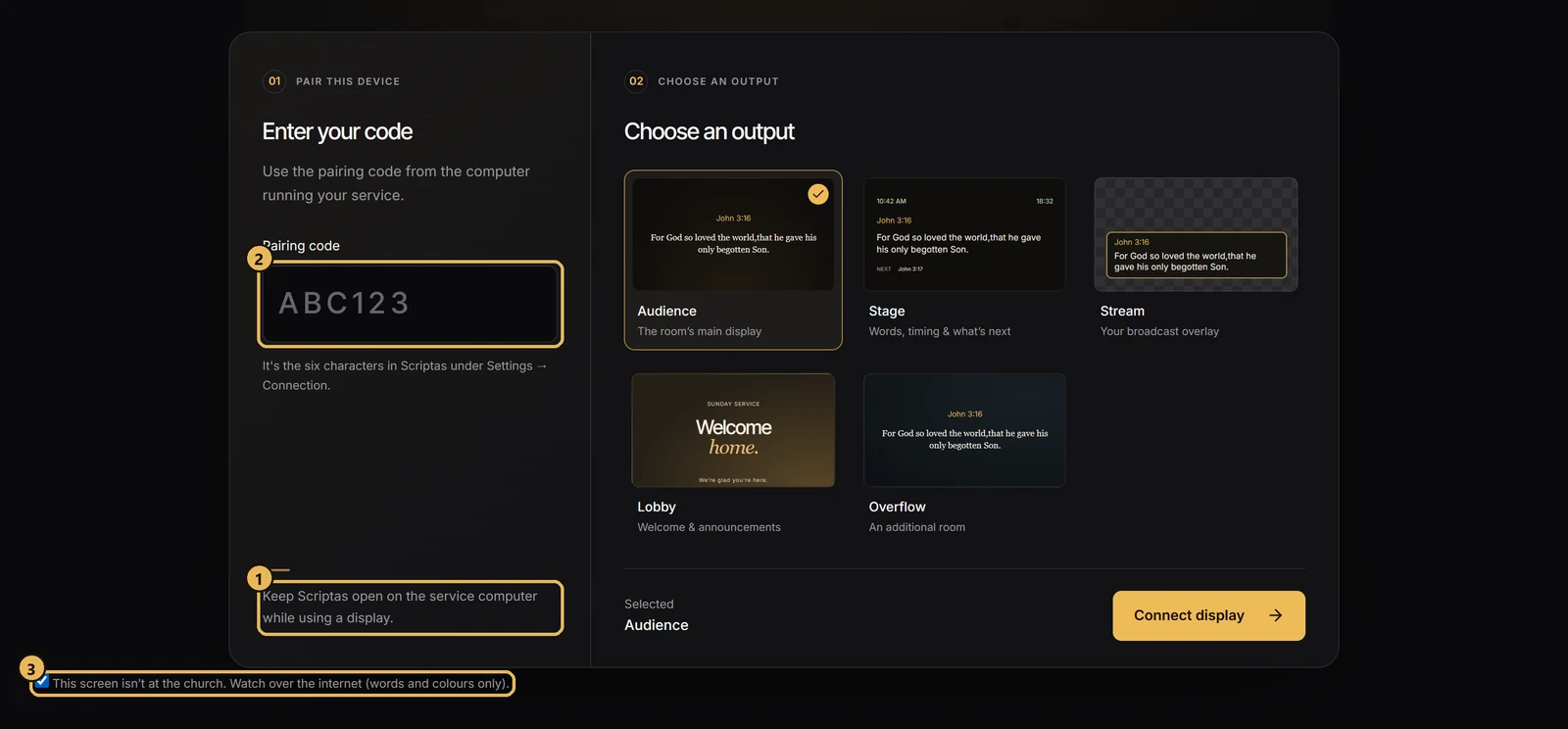
- 1Check that “Screens find this computer” is on (Settings → Connection & Remote displays) and the church computer is online.
- 2On the other TV, open scriptas.org/display and enter the same code.
- 3Tick “This screen isn't at the church”, choose the screen, and connect.
Good to know
- It shows the words and theme colours live. Pictures and videos show as one colour for now.
- Screens elsewhere can only watch. Nothing can control Scriptas from there.
Related guides
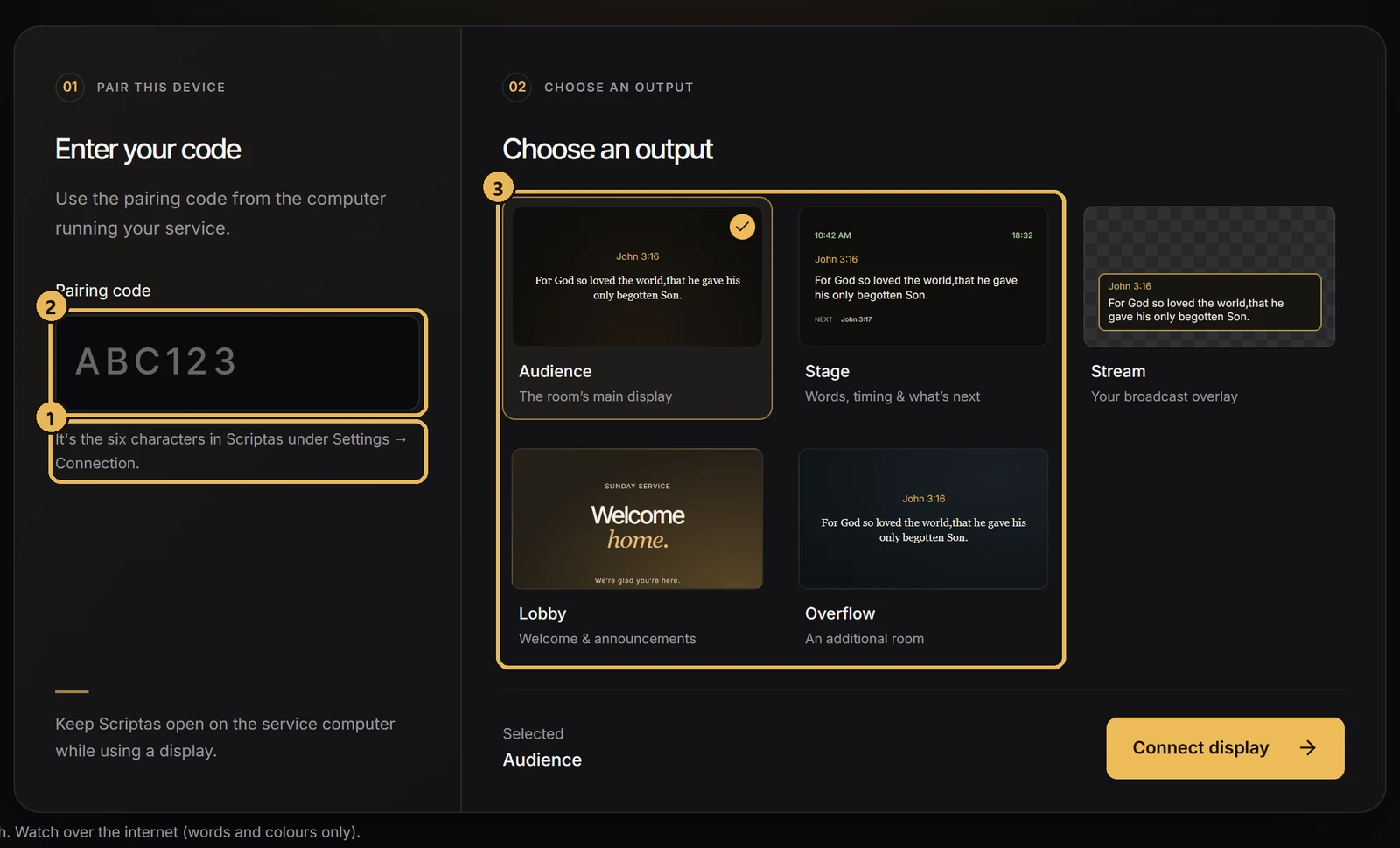
Screens and outputsPut a TV on a Scriptas screenJoin any TV on the church network with a 6-character code.
TroubleshootingThe TV can't find the computerscriptas.org/display says no computer answered.
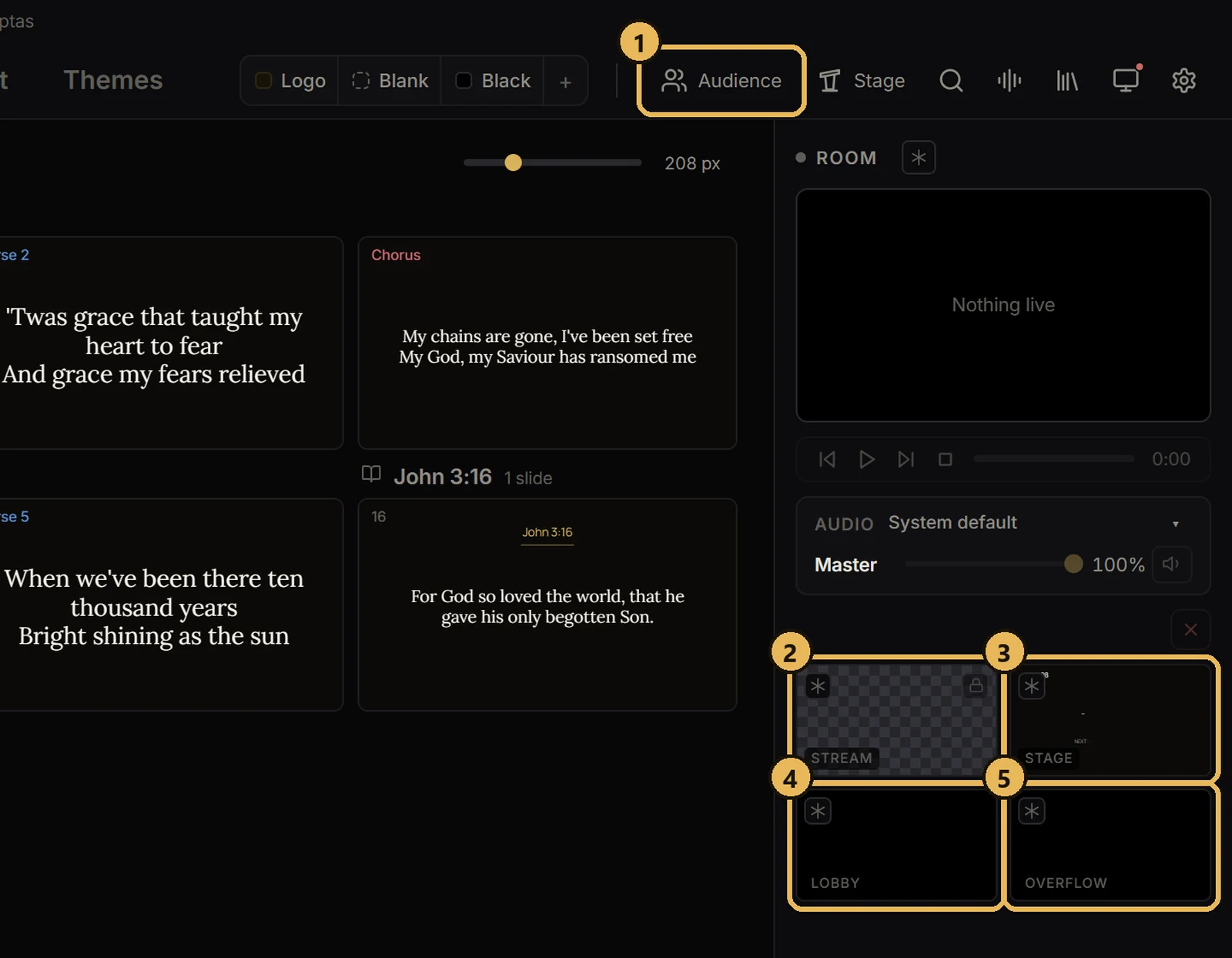
Screens and outputsThe five screensWhat each one does.
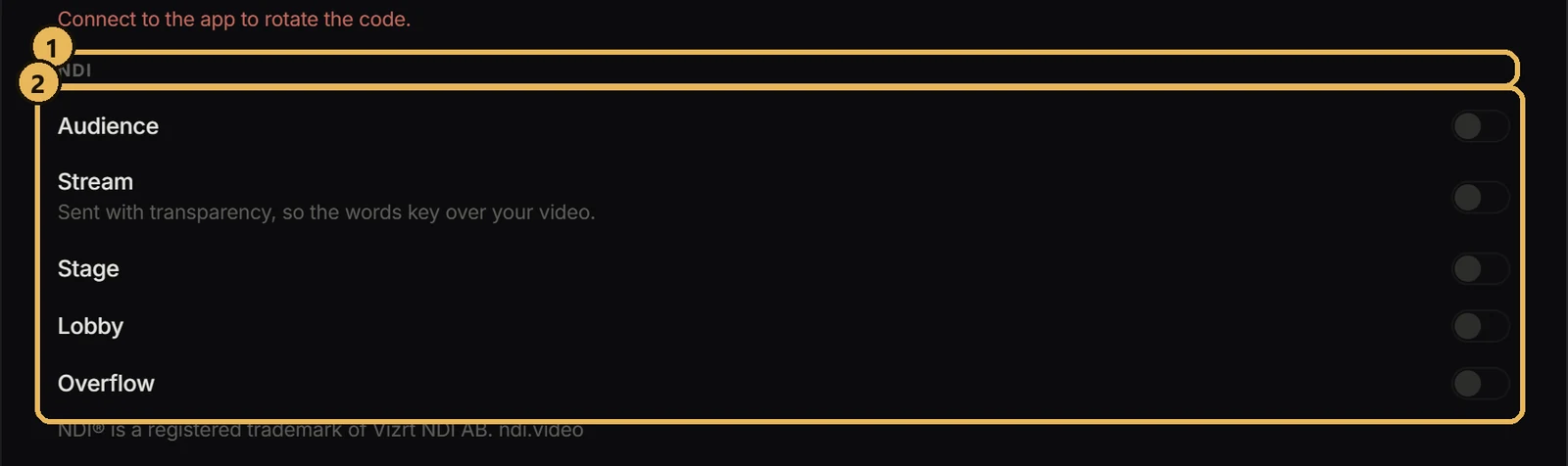
Streaming and NDISend a screen over NDIFeed any Scriptas screen into OBS, vMix or another computer.