 Scriptas
Use scenes
Switch what each screen shows during the service.
Themes and scenes3 steps
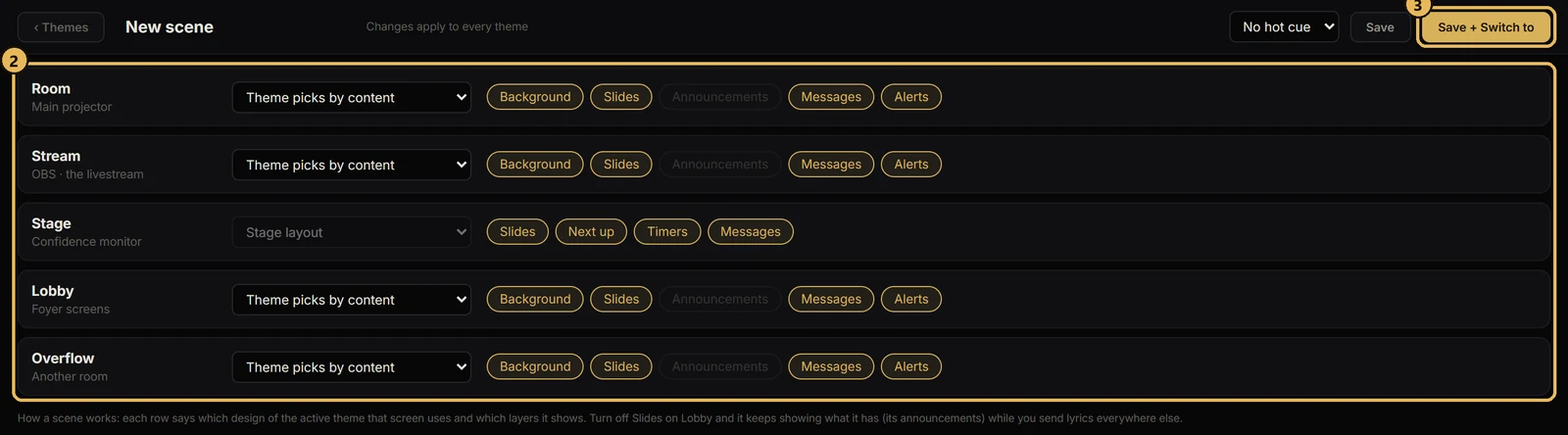
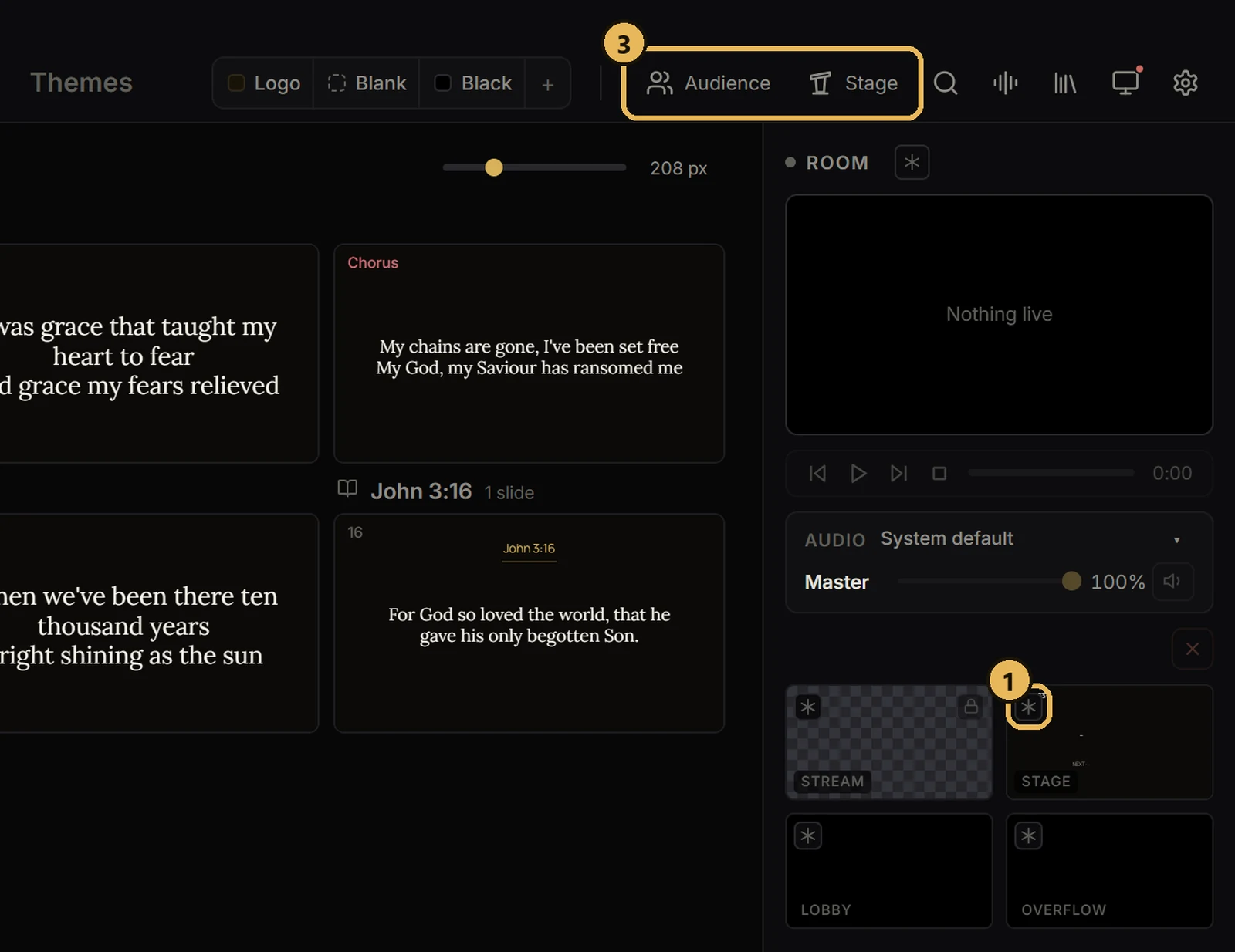
- 1In Themes, scroll to Scenes and press + New scene.
- 2Pick what each screen shows in that scene.
- 3Switch scenes during the service. They work with any theme.
Related guides
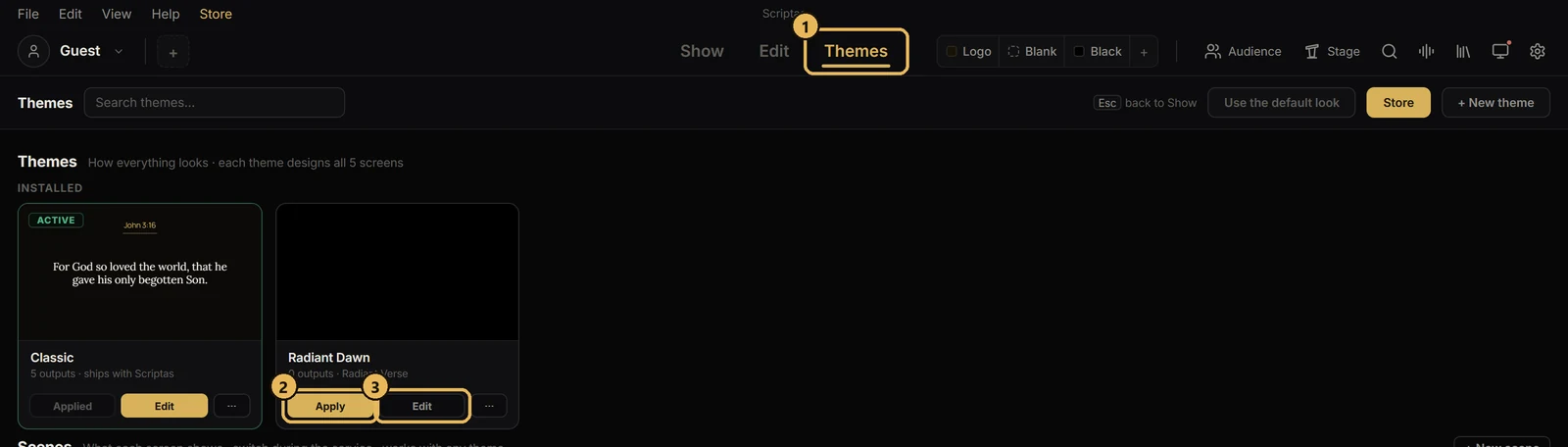
Themes and scenesApply a themeOne look for Scripture, songs and announcements.
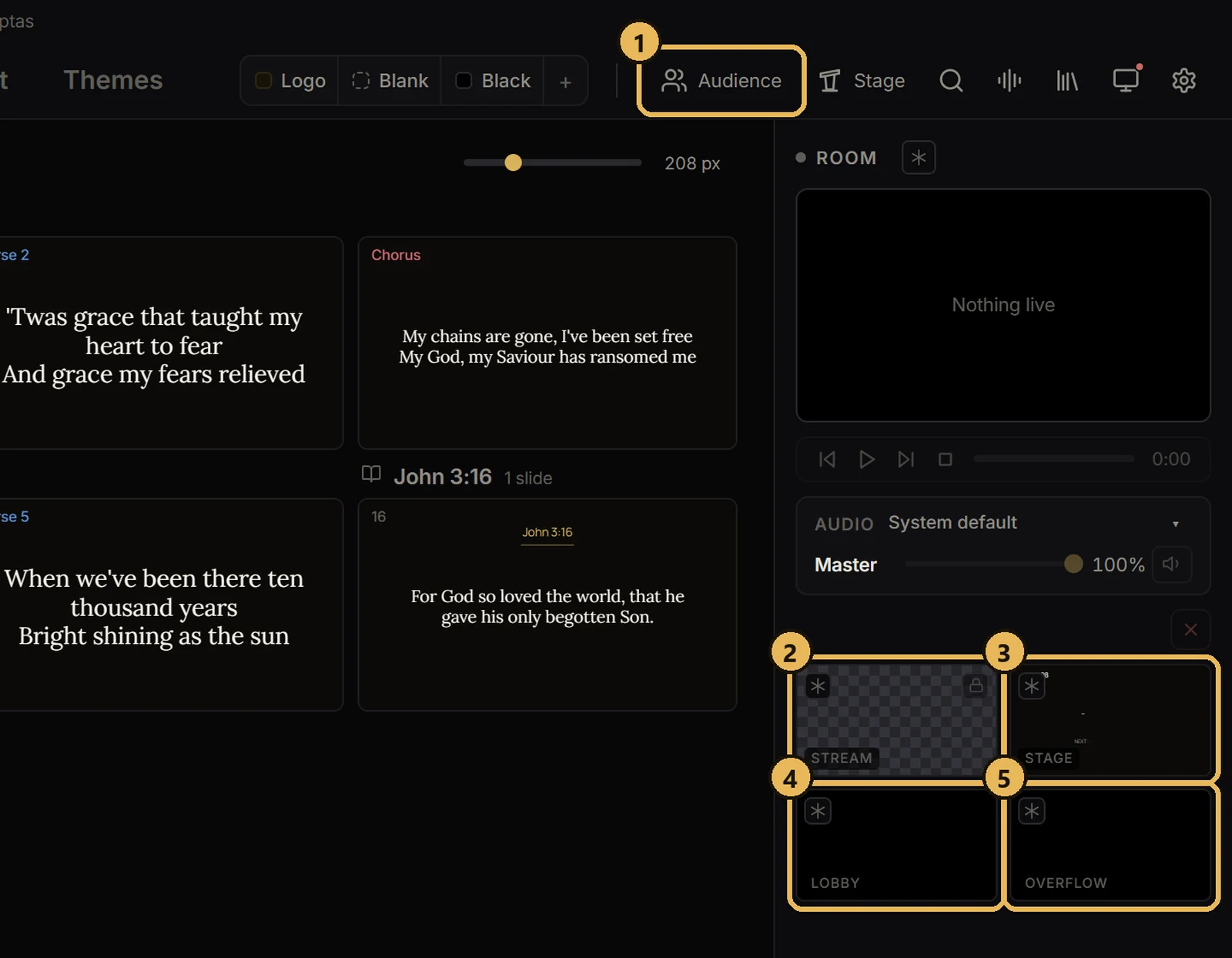
Screens and outputsThe five screensWhat each one does.
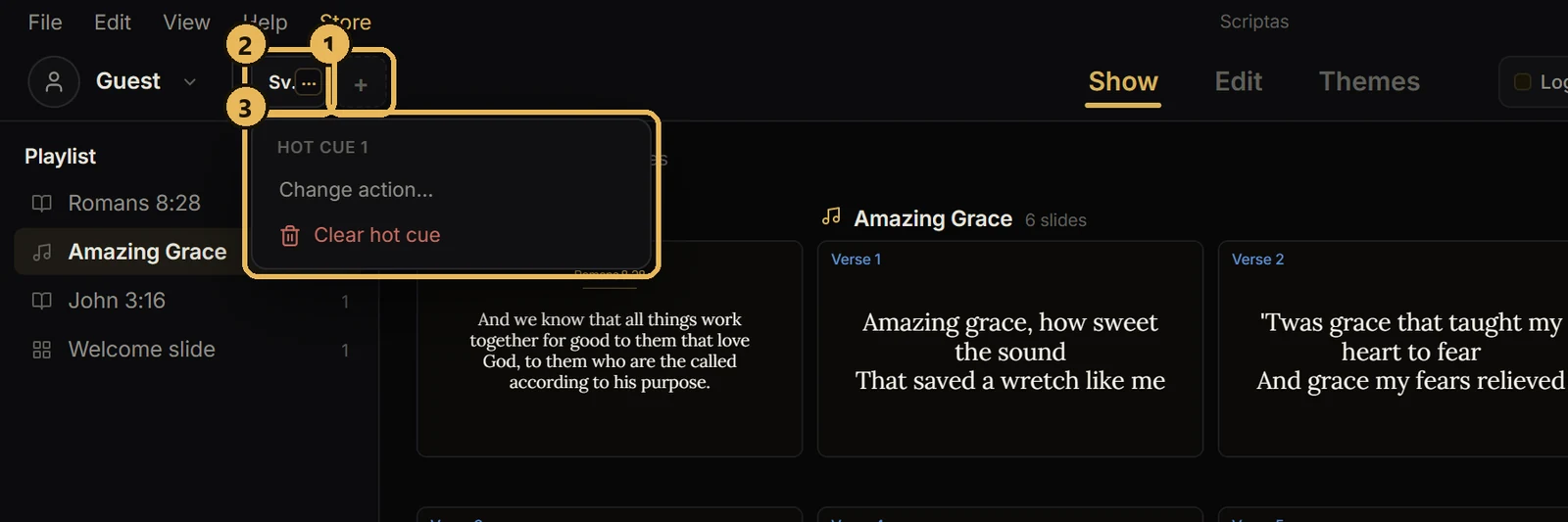
Hot cues, timers and messagesSet up hot cuesSix buttons you pick, next to your profile.
Screens and outputsFreeze or black out a screenHold one screen while you work, or make it dark.