Scriptas
Help
All topics
Display
Home
Help
Slides and media
Create a slide or deck
Create a slide or deck
One button for both.
Slides and media
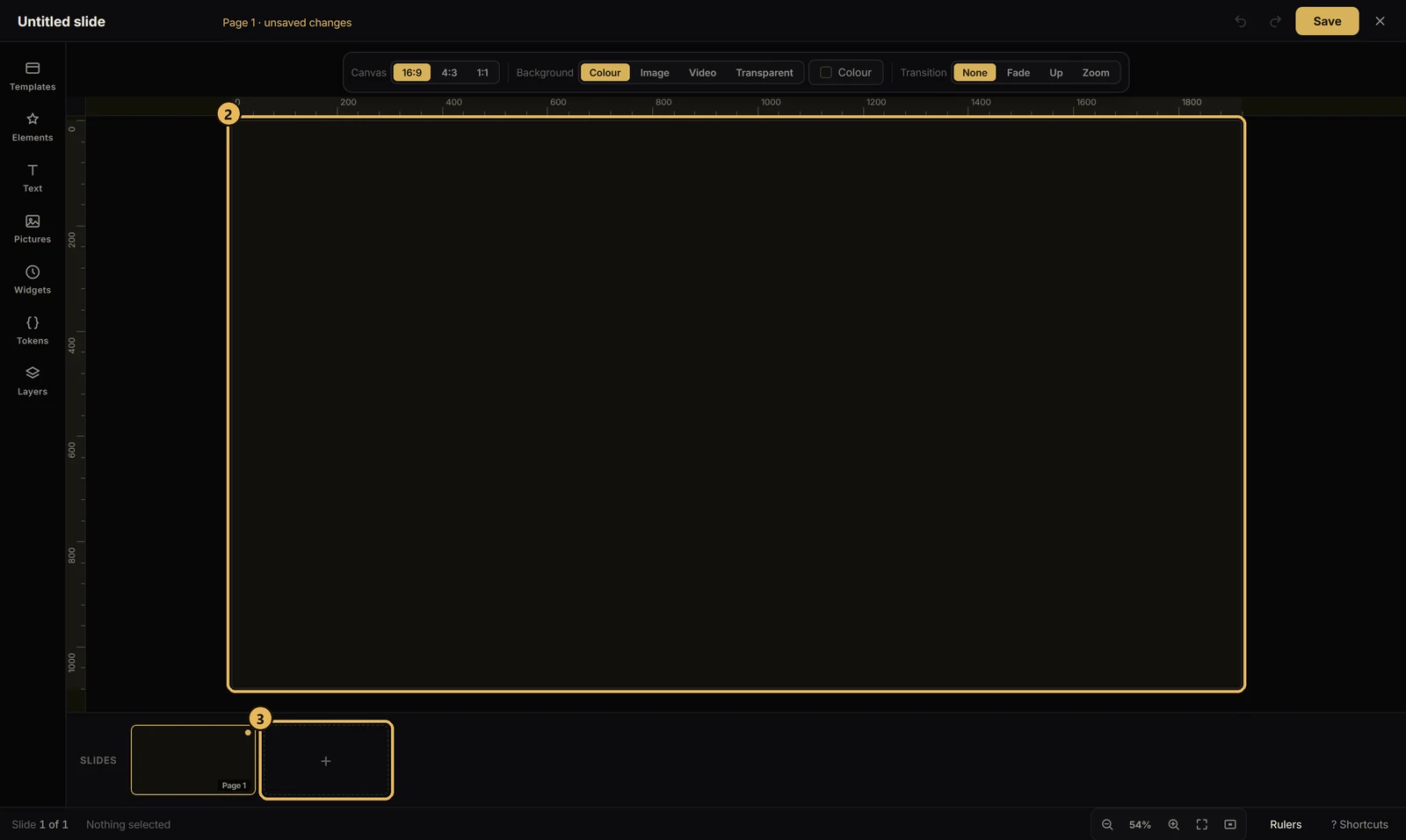
3 steps
The numbers line up with the steps below.
1
In the Slides tab, press + New. The editor opens.
2
Design it. One page saves as a slide.
3
Add more pages, and it saves as a deck you step through.
Next up · Themes and scenes
Apply a theme
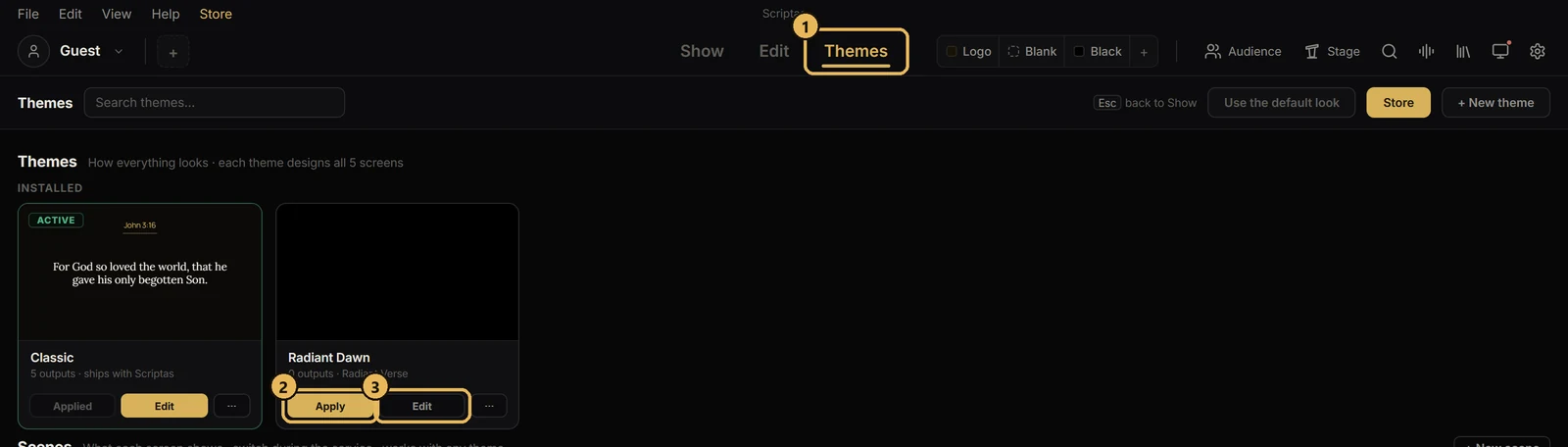
One look for Scripture, songs and announcements.
Related guides
Slides and media
Import a PDF or PowerPoint
Bring in slides you already made.
Slides and media
Add videos and pictures
Upload once, then use it again.
Themes and scenes
Apply a theme
One look for Scripture, songs and announcements.
Songs and lyrics
Add a song
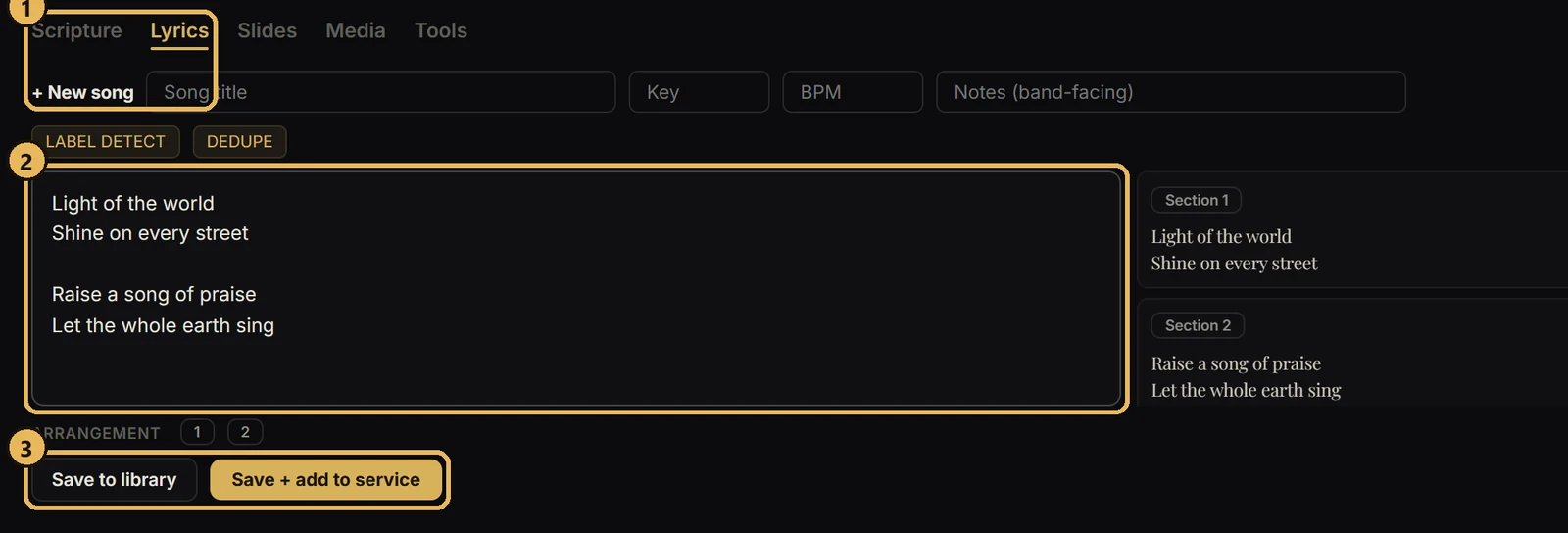
Paste lyrics and Scriptas breaks them into slides.
More in Slides and media
Import a PDF or PowerPoint
Add videos and pictures
 Scriptas