 Scriptas
Use Scriptas with no account
Guest mode runs fully on this computer. Sign in later to keep your church's things.
Getting started3 steps
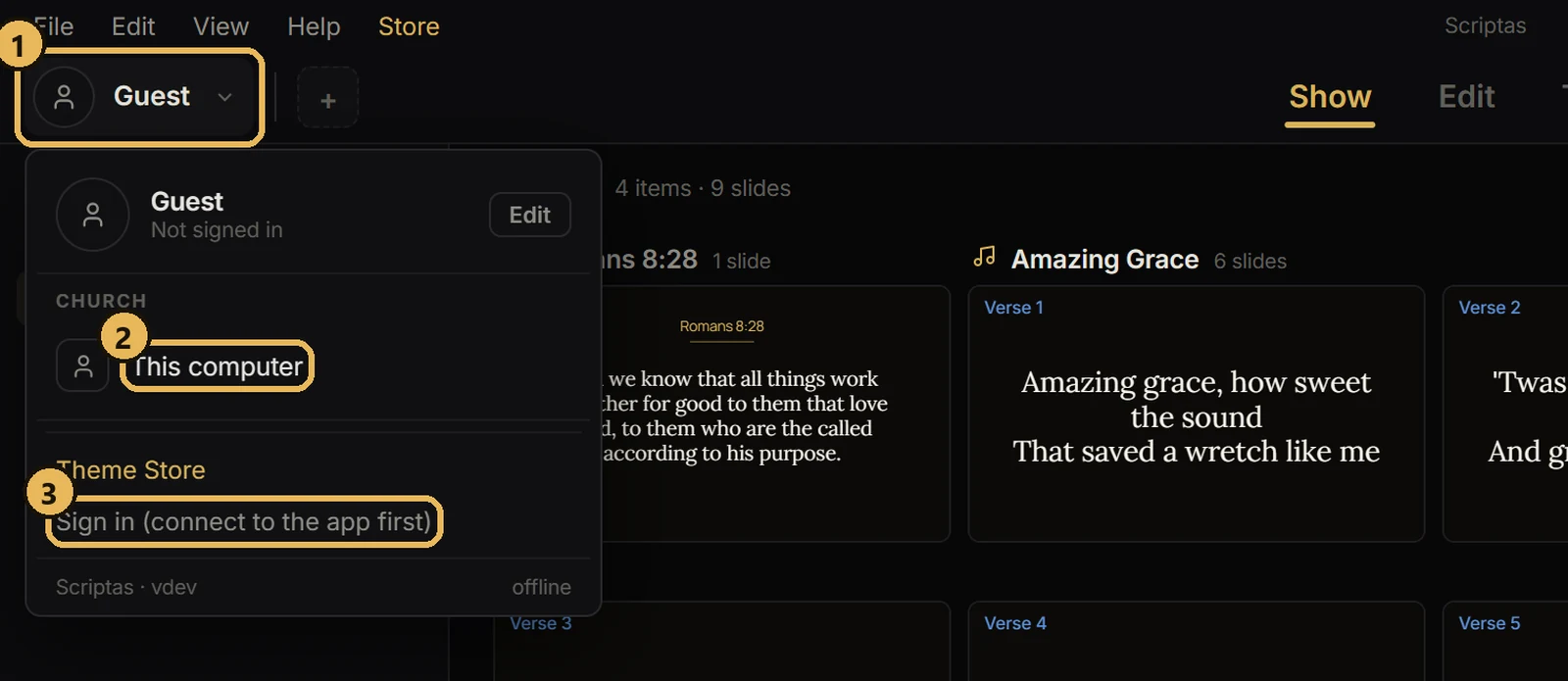
- 1On the sign-in screen, pick “Stay in guest mode”.
- 2Everything you make stays on this computer.
- 3The first time you sign in, your account takes in everything already on the computer.
Related guides
Account and plansWhat happens when you sign outWhat your church has stays with your account.
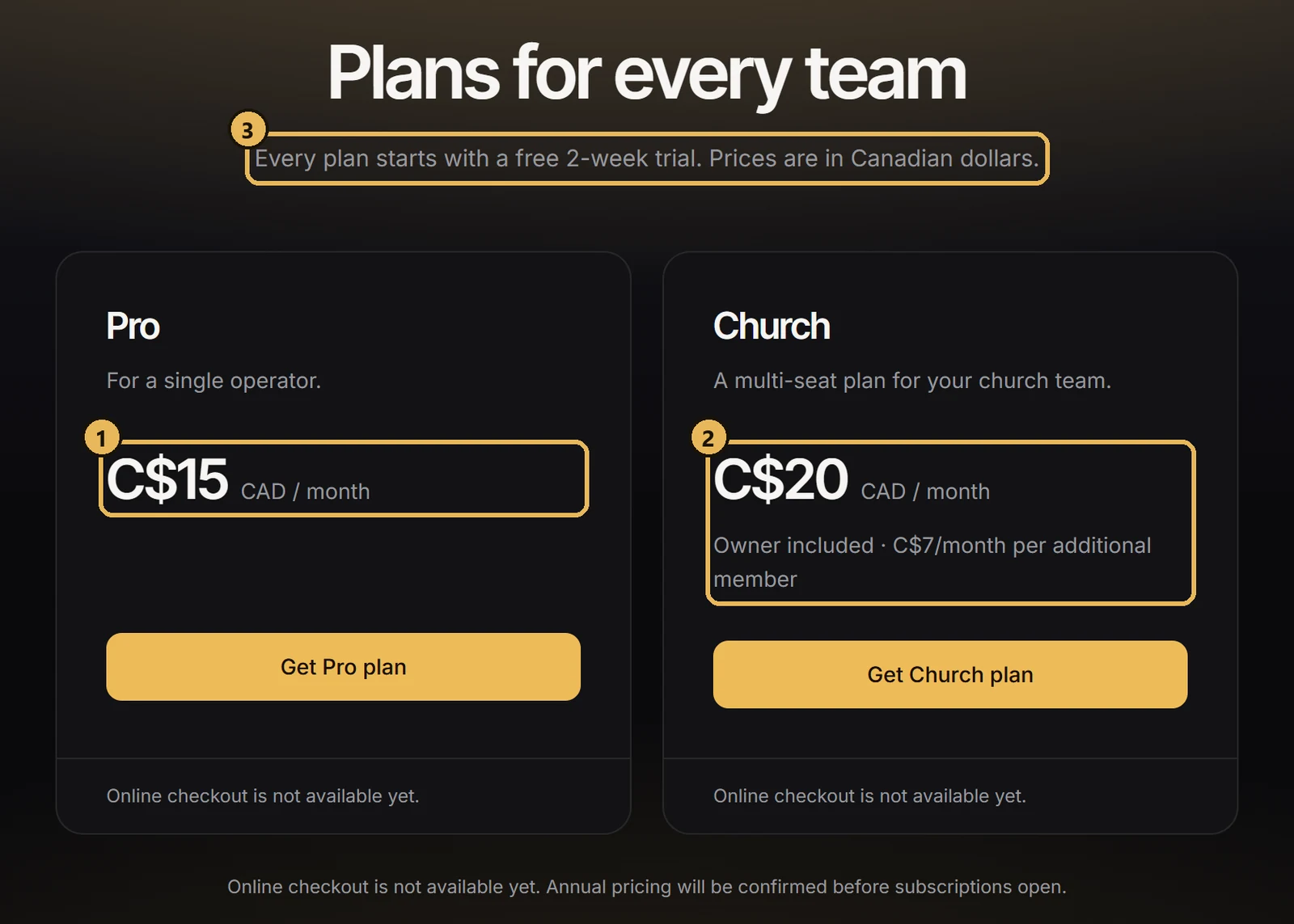
Account and plansPlans and the free trialEach plan starts with two free weeks.
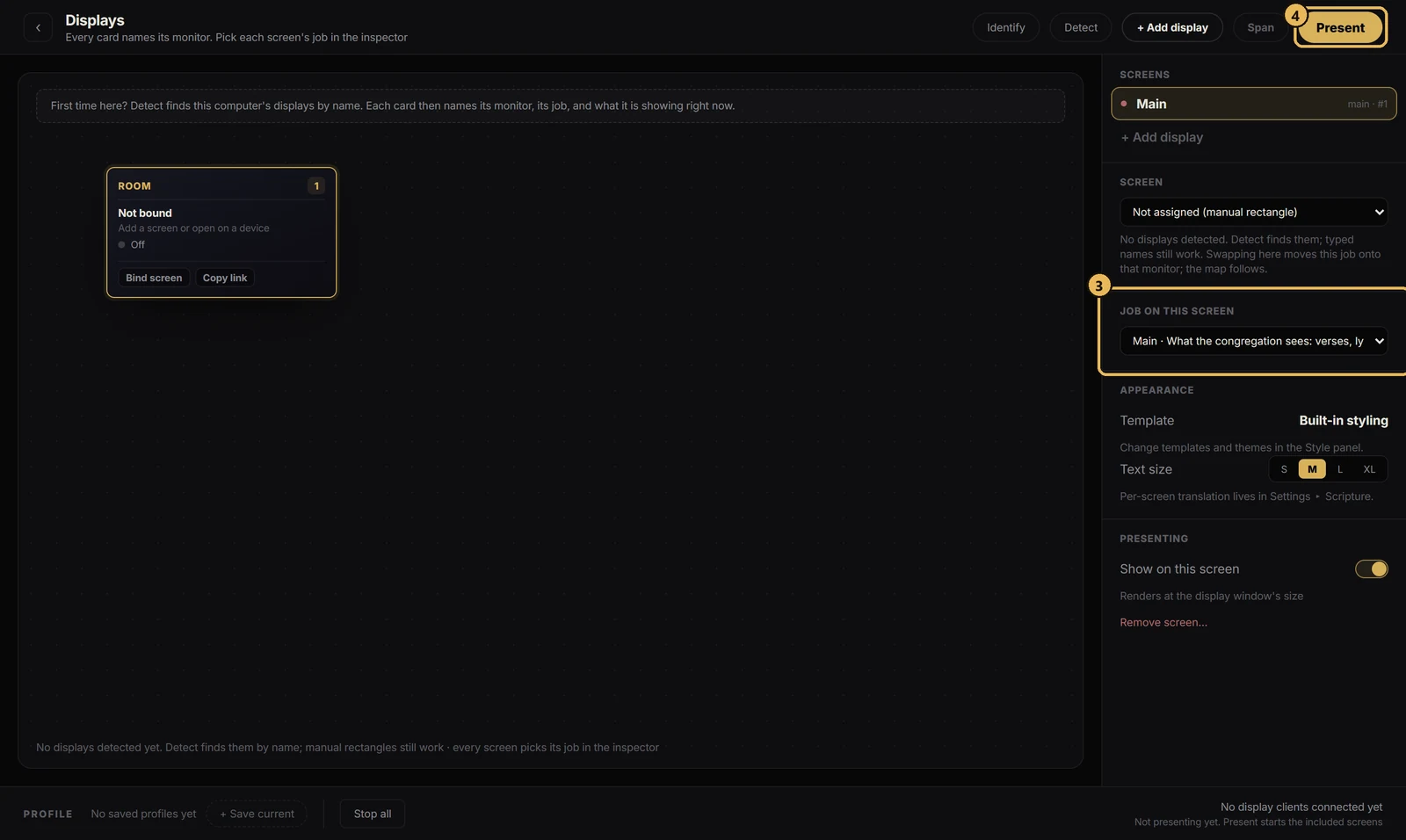
Getting startedSet up Scriptas on the church computerInstall it one time on the computer that drives your screens.
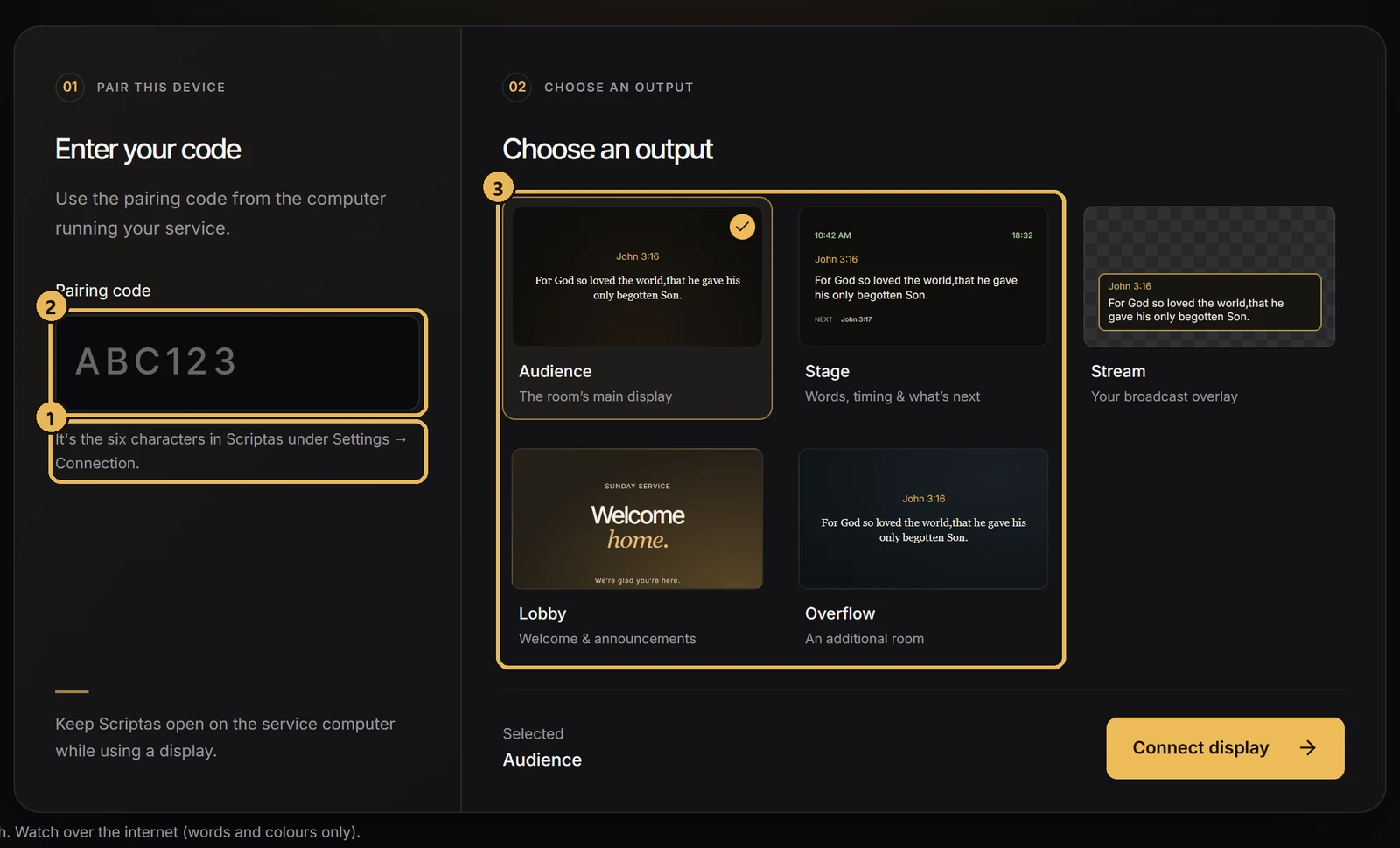
Screens and outputsPut a TV on a Scriptas screenJoin any TV on the church network with a 6-character code.