 Scriptas
Mark verses and choruses
How the song editor reads what you type.
Songs and lyrics3 steps
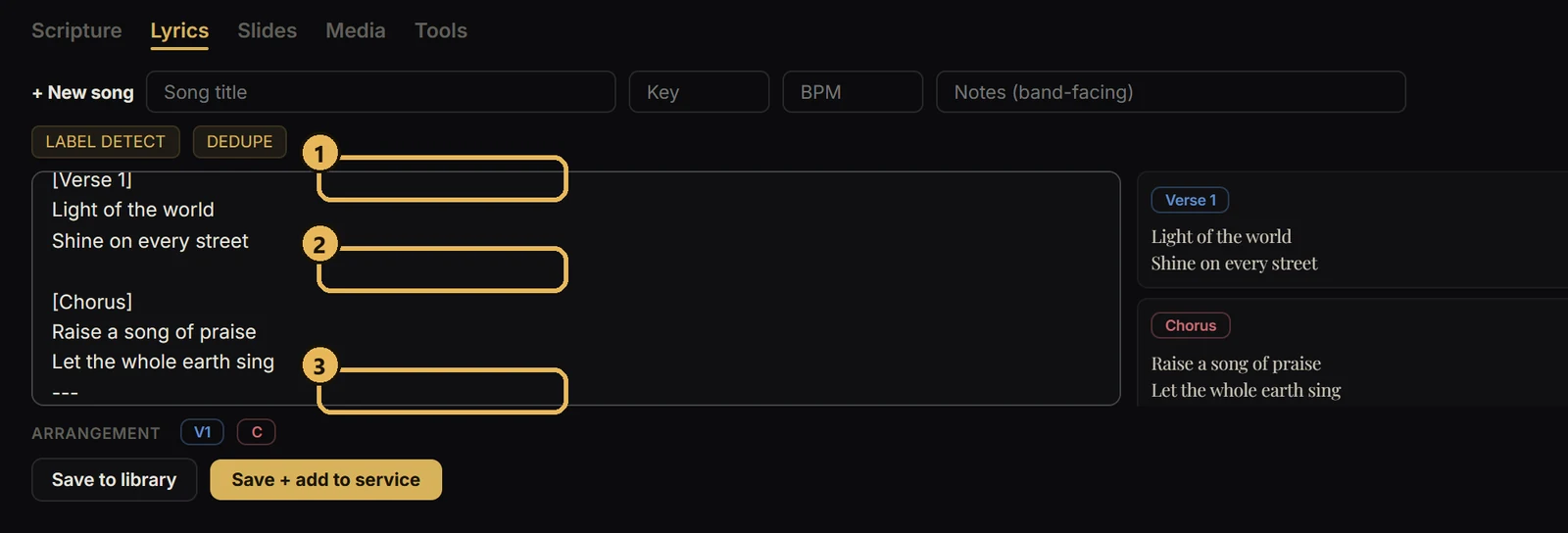
- 1Give each section a label on its own line: [Verse 1], [Chorus], [Bridge].
- 2Add a blank line between sections.
- 3Type --- on its own line to start a new slide with no label.
Related guides
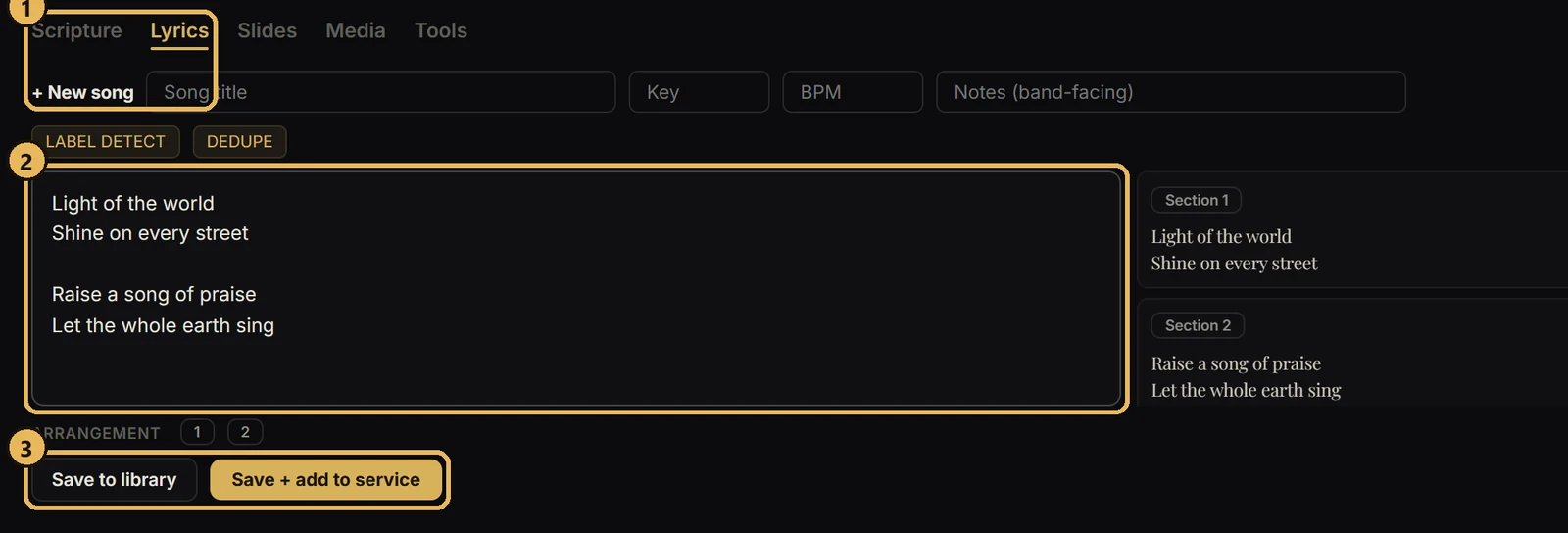
Songs and lyricsAdd a songPaste lyrics and Scriptas breaks them into slides.
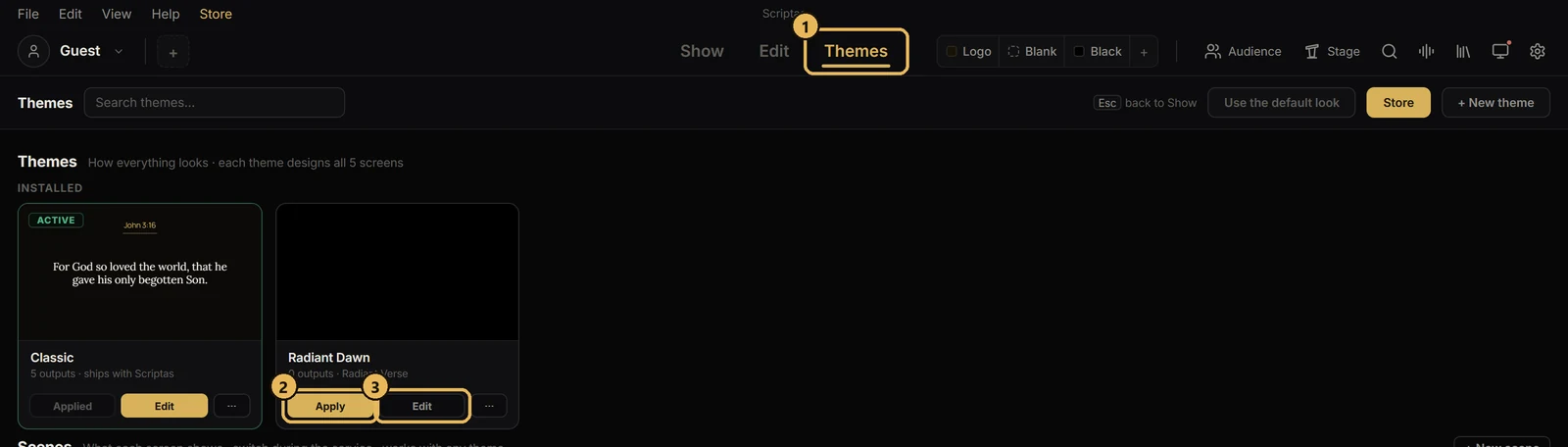
Themes and scenesApply a themeOne look for Scripture, songs and announcements.
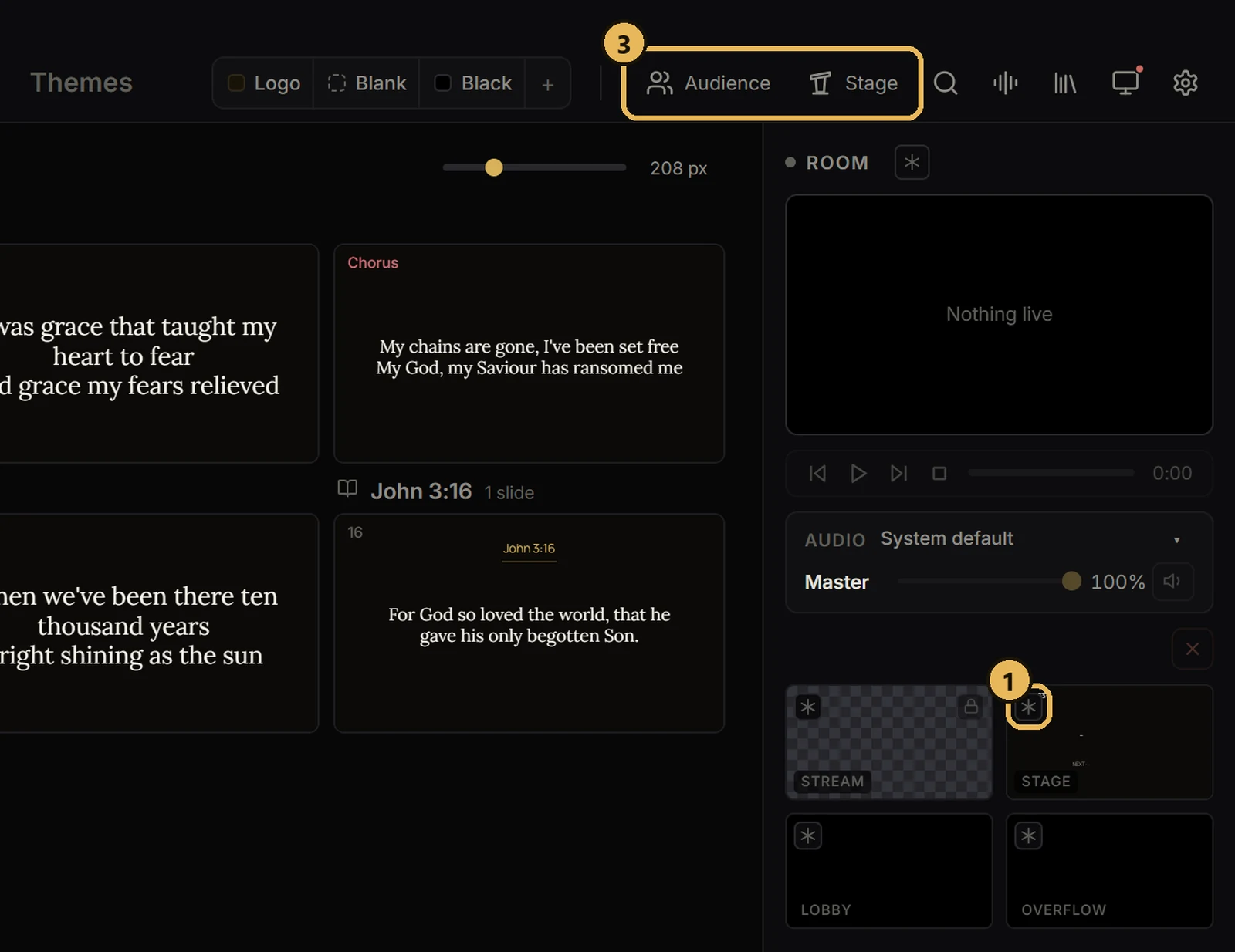
Screens and outputsFreeze or black out a screenHold one screen while you work, or make it dark.
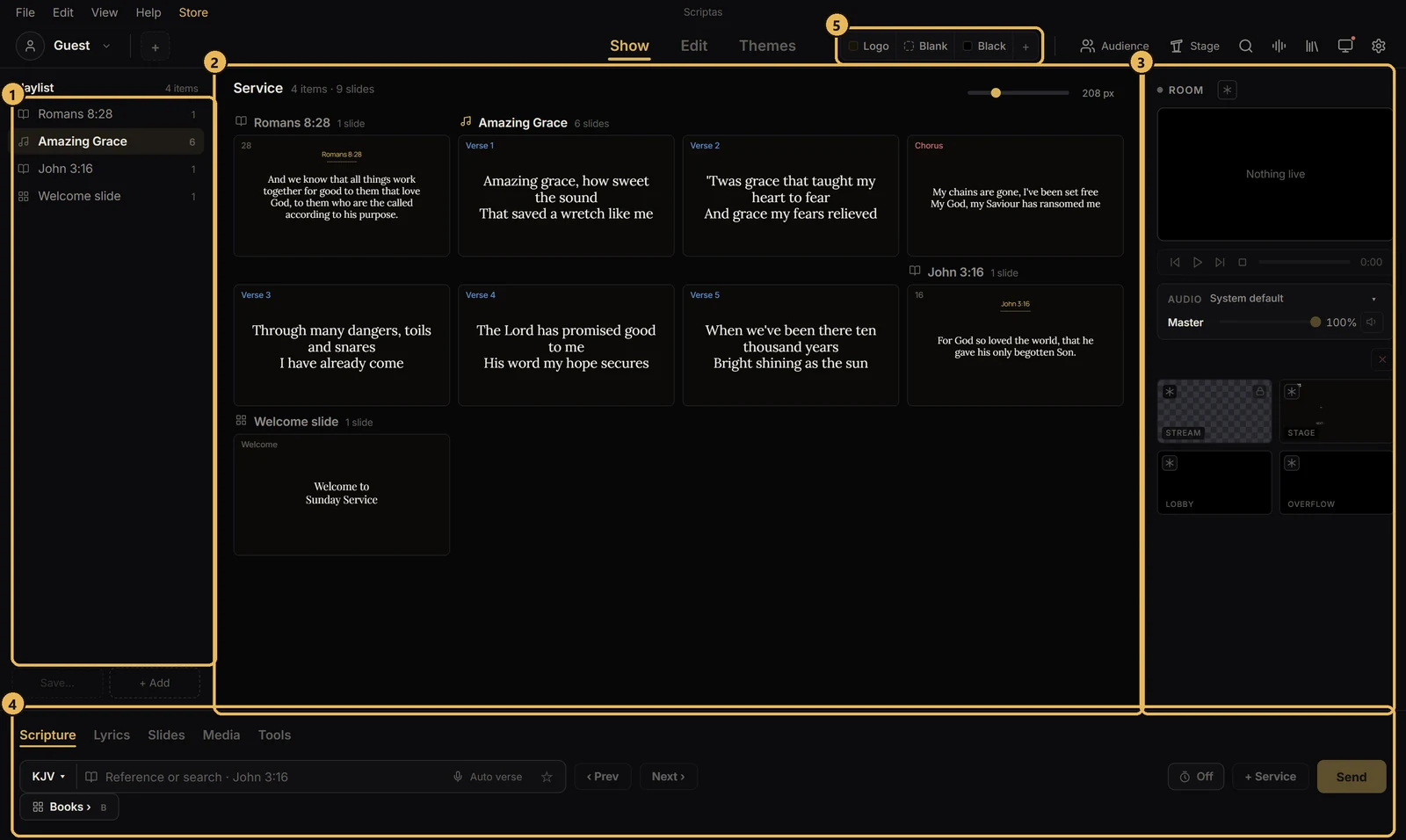
Getting startedThe Show screen at a glanceWhere things sit while you run a service.