 Scriptas
An NDI source is missing
Your video app can't see Scriptas.
Troubleshooting3 steps
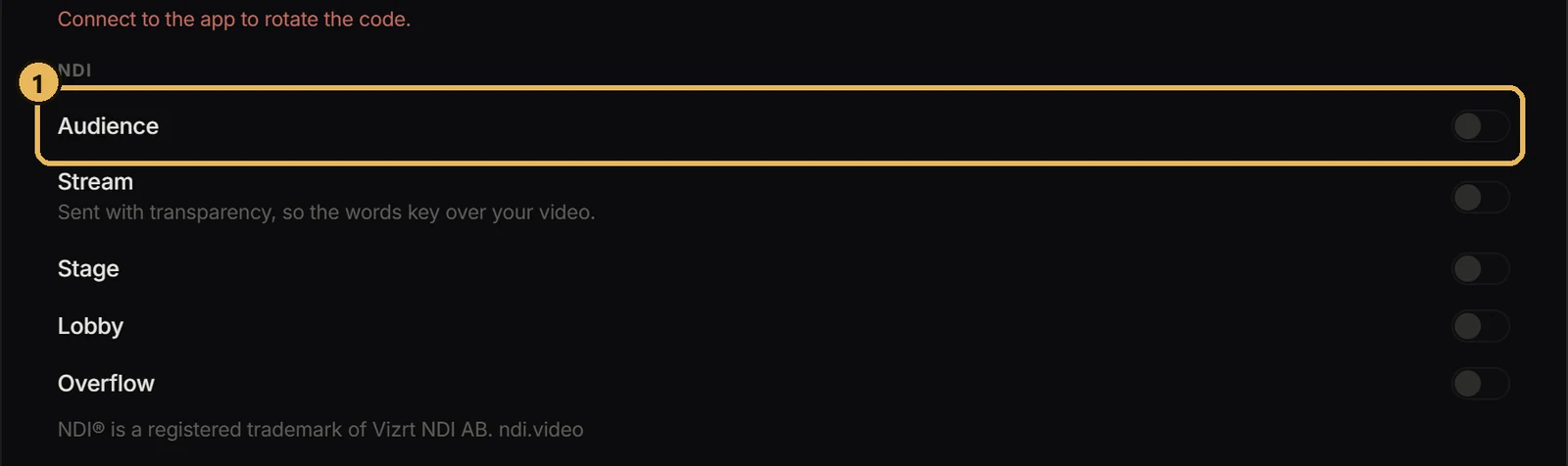
- 1Check the screen's NDI switch is on in Settings → Connection & Remote displays, and read the status line below the switches.
- 2Confirm both computers are on the same network.
- 3If Windows asked about the firewall on first launch, allow Scriptas on private networks.
Related guides
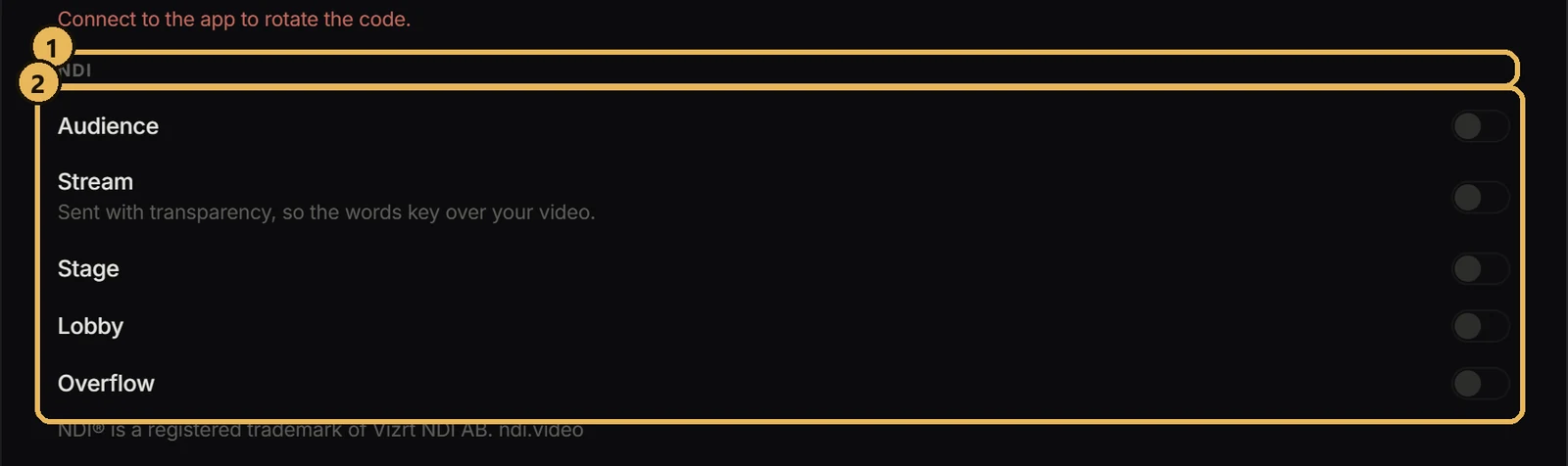
Streaming and NDISend a screen over NDIFeed any Scriptas screen into OBS, vMix or another computer.
Streaming and NDIAdd Scriptas to OBSWords overlaid on your camera.
TroubleshootingThe TV can't find the computerscriptas.org/display says no computer answered.
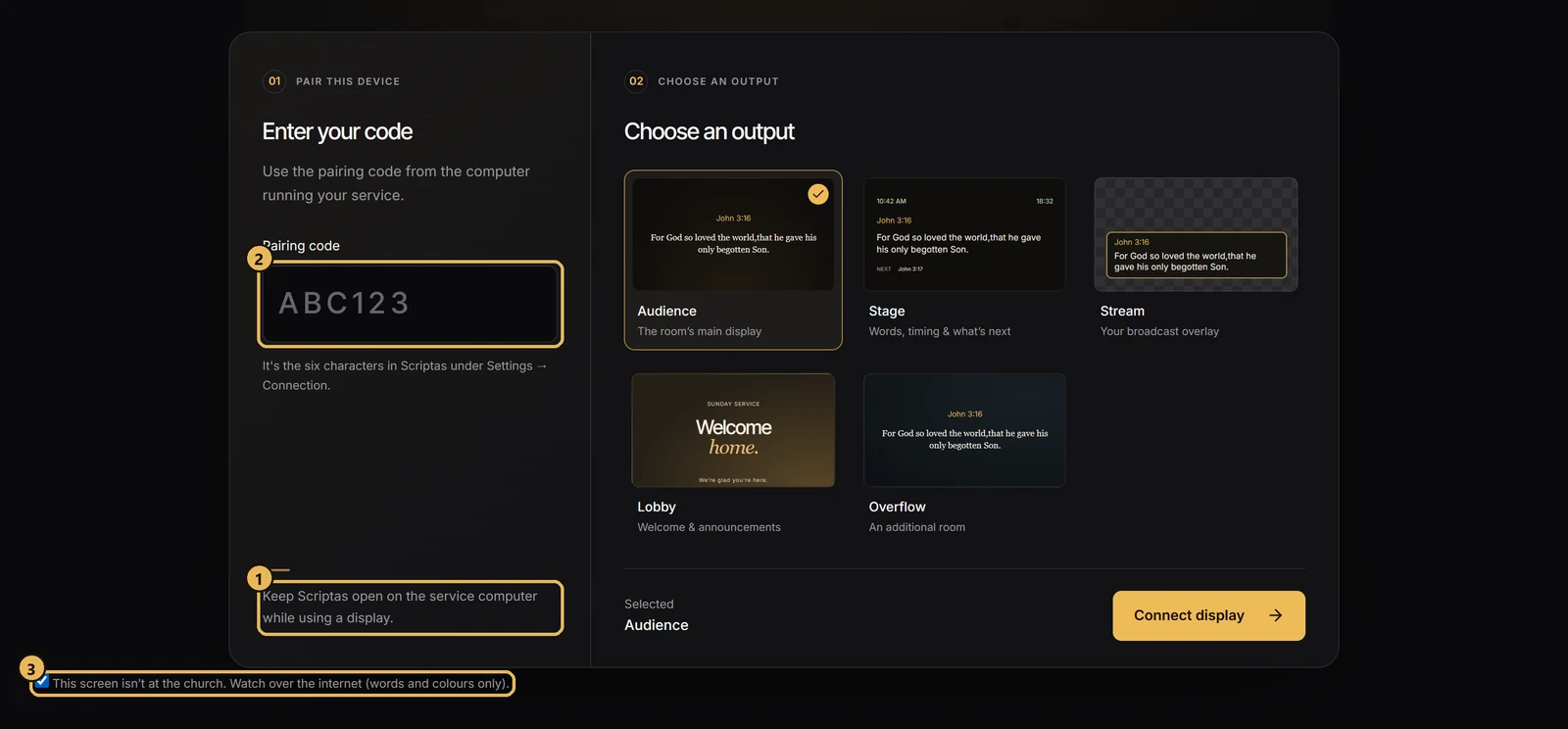
Screens and outputsShow the service off siteA TV off the church network can still follow along.