 Scriptas
Timers, stage messages and alerts
Countdowns and notes for the stage.
Hot cues, timers and messages3 steps
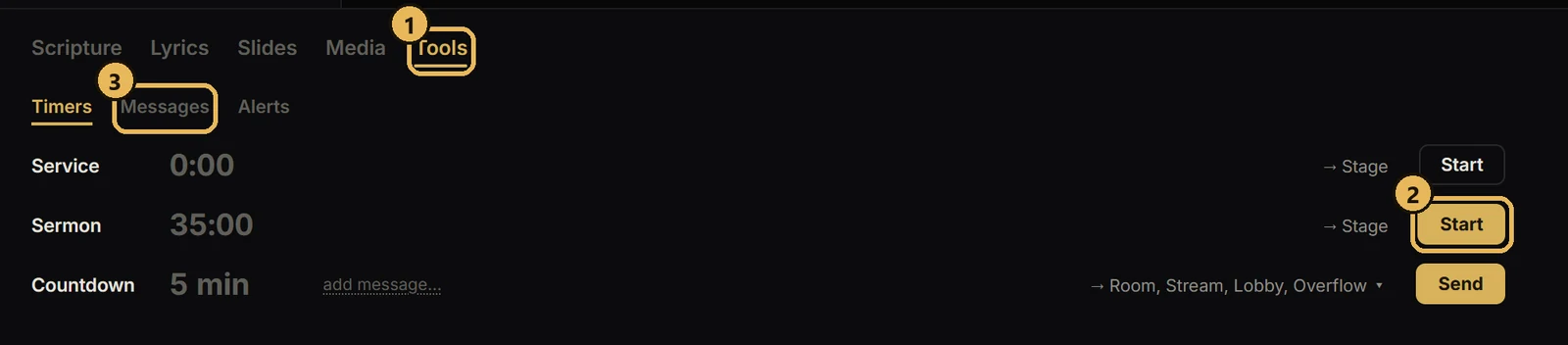
- 1Open the Tools tab. It has Timers, Messages and Alerts.
- 2Start a service or sermon timer. The stage display shows it.
- 3Send a message to the stage, or a nursery alert to the room.
Related guides
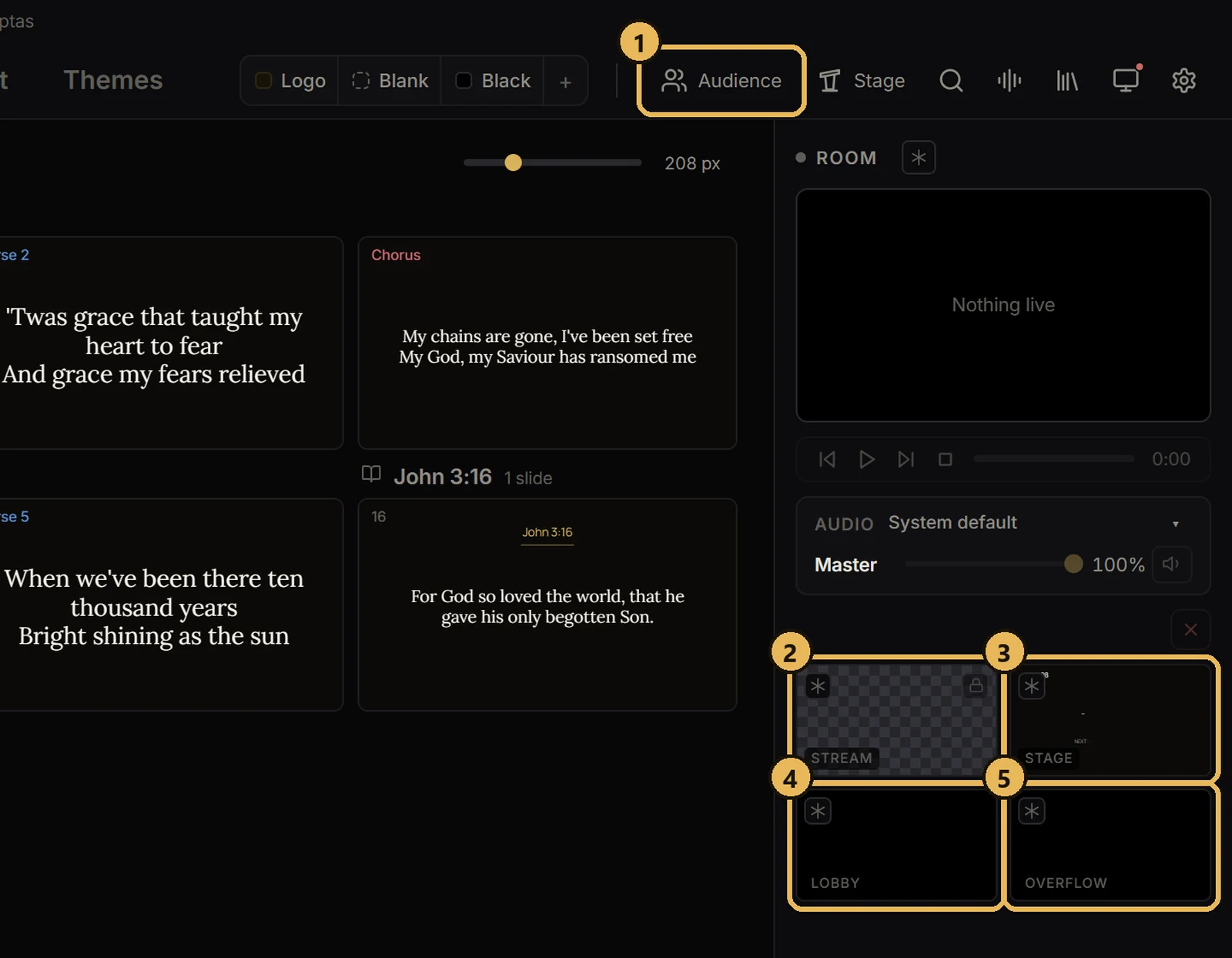
Screens and outputsThe five screensWhat each one does.
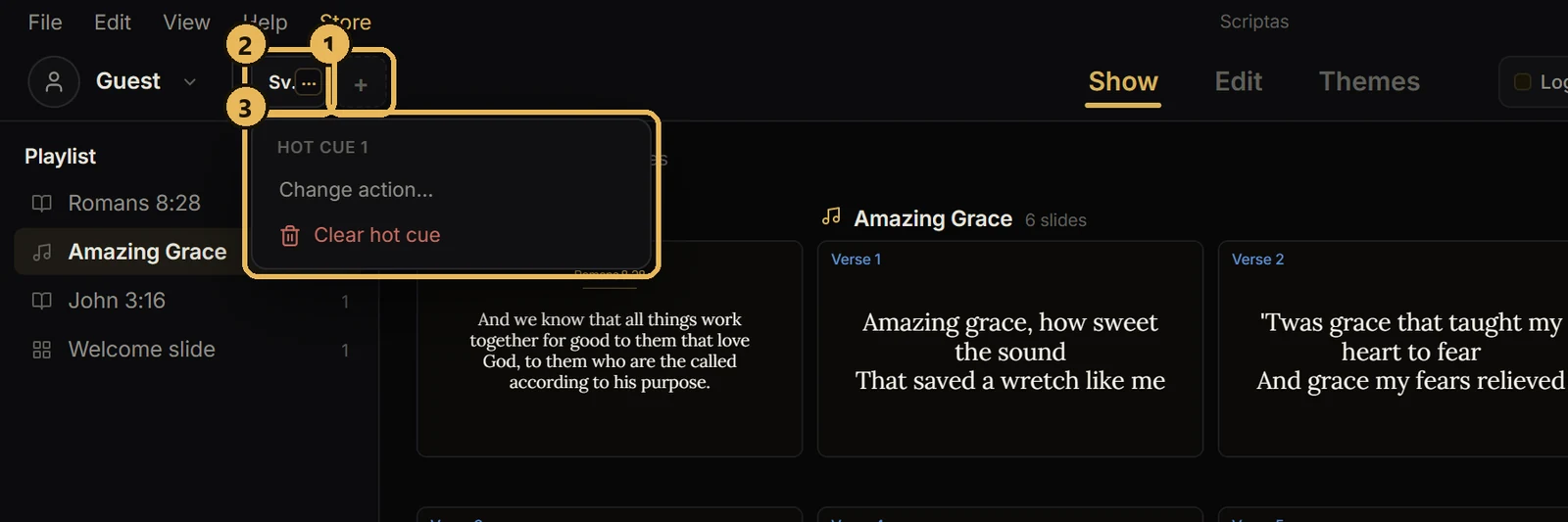
Hot cues, timers and messagesSet up hot cuesSix buttons you pick, next to your profile.
Streaming and NDIAdd Scriptas to OBSWords overlaid on your camera.
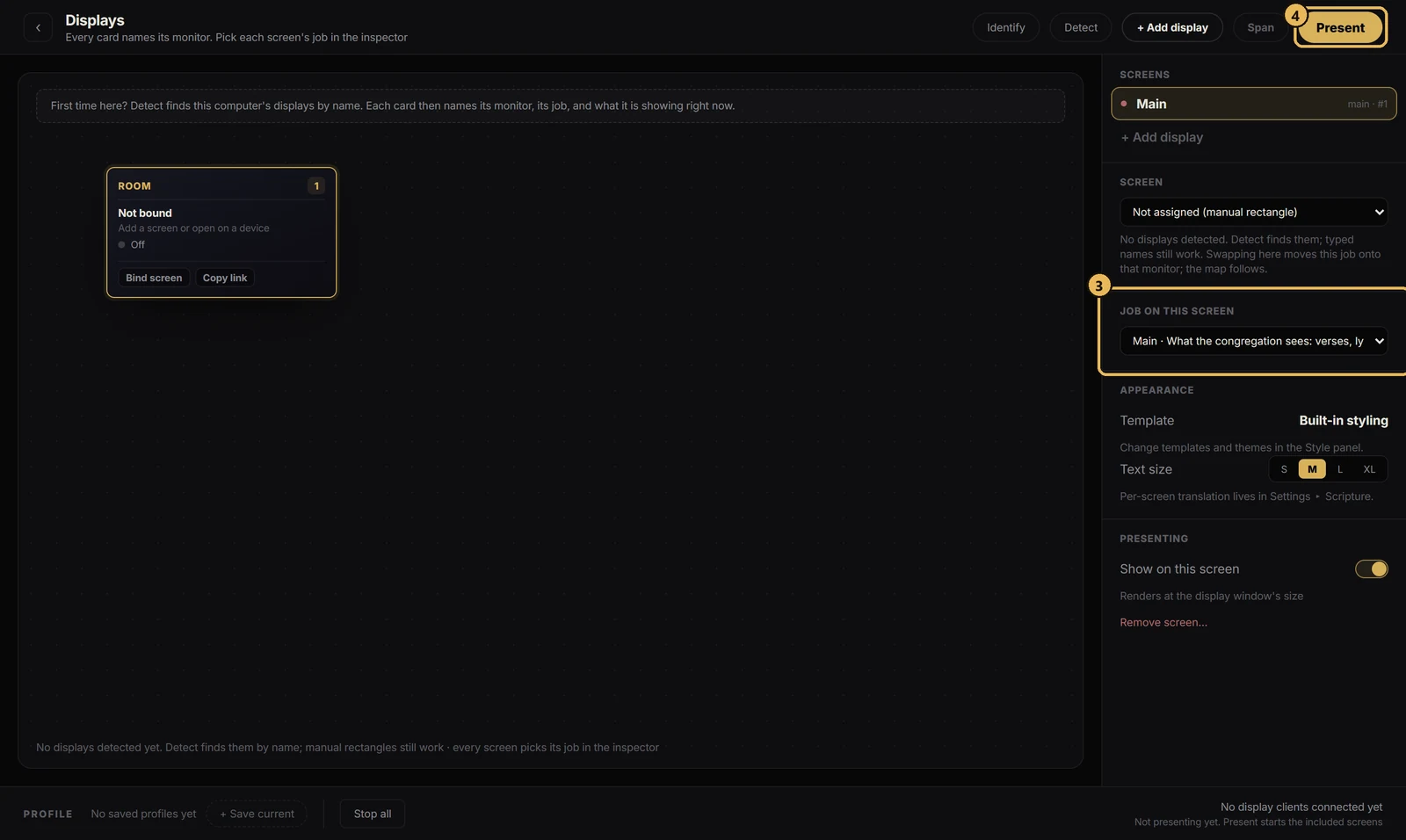
Getting startedSet up Scriptas on the church computerInstall it one time on the computer that drives your screens.