 Scriptas
Play a video from a hot cue
Two kinds: Play video and Transition video.
Hot cues, timers and messages3 steps
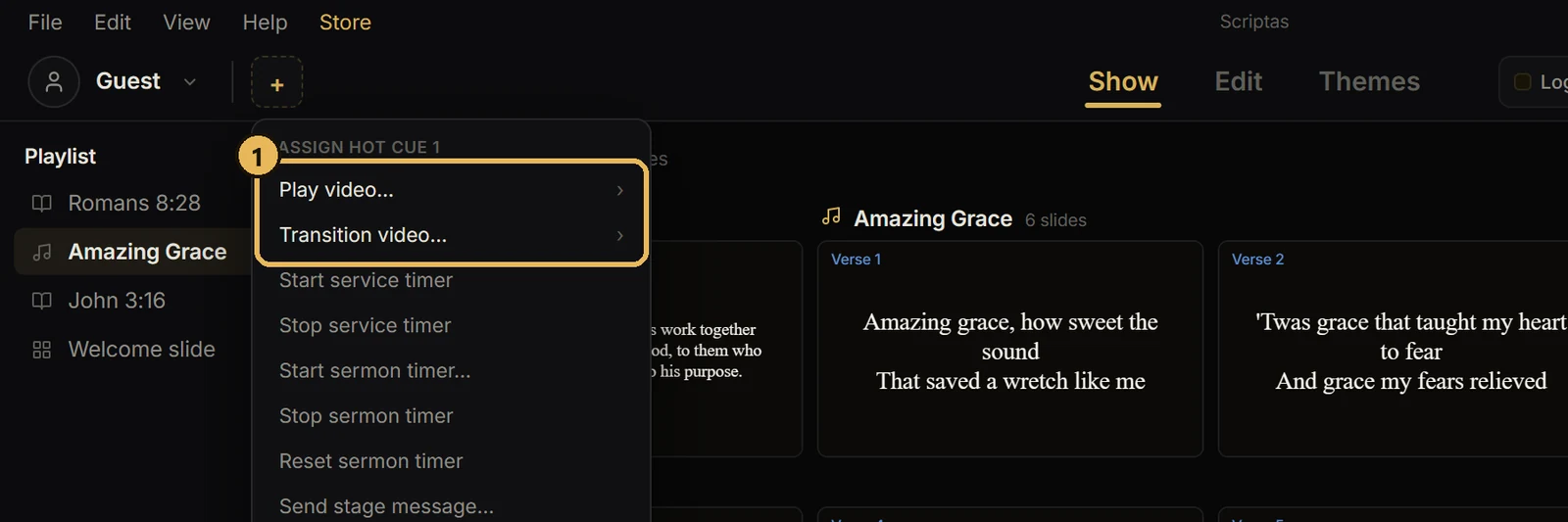
- 1Set a hot cue to Play video… or Transition video…, then pick the video.
- 2Play video runs it and holds the last frame until you send something.
- 3Transition video plays it, and anything you click during playback goes up as soon as it ends.
Good to know
- Blank, Black and Logo still act right away and cancel the wait.
Related guides
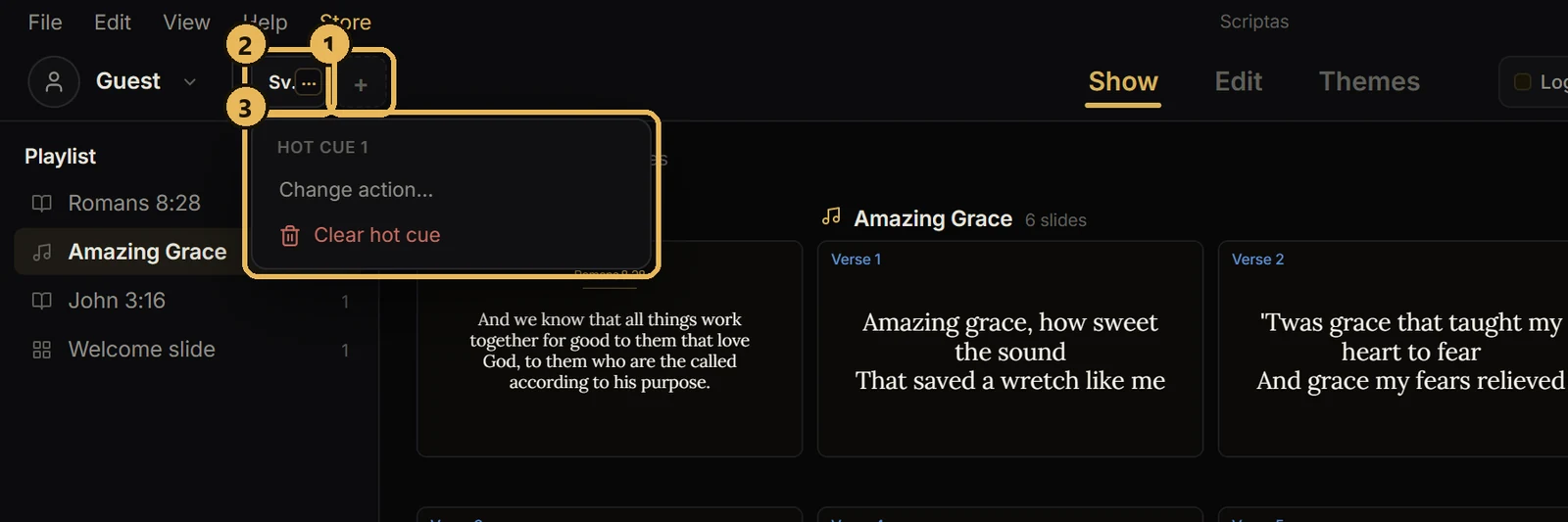
Hot cues, timers and messagesSet up hot cuesSix buttons you pick, next to your profile.
Slides and mediaAdd videos and picturesUpload once, then use it again.
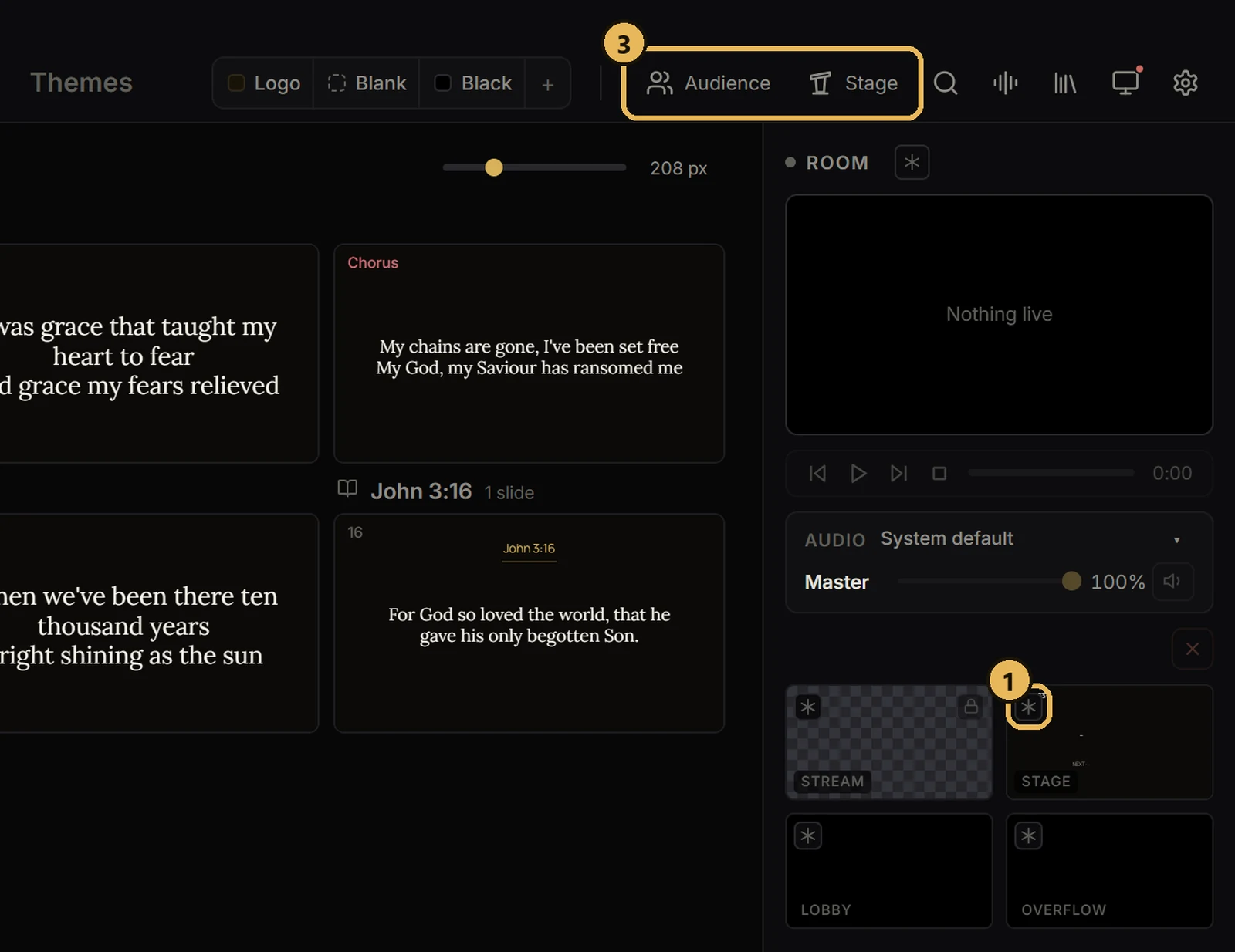
Screens and outputsFreeze or black out a screenHold one screen while you work, or make it dark.
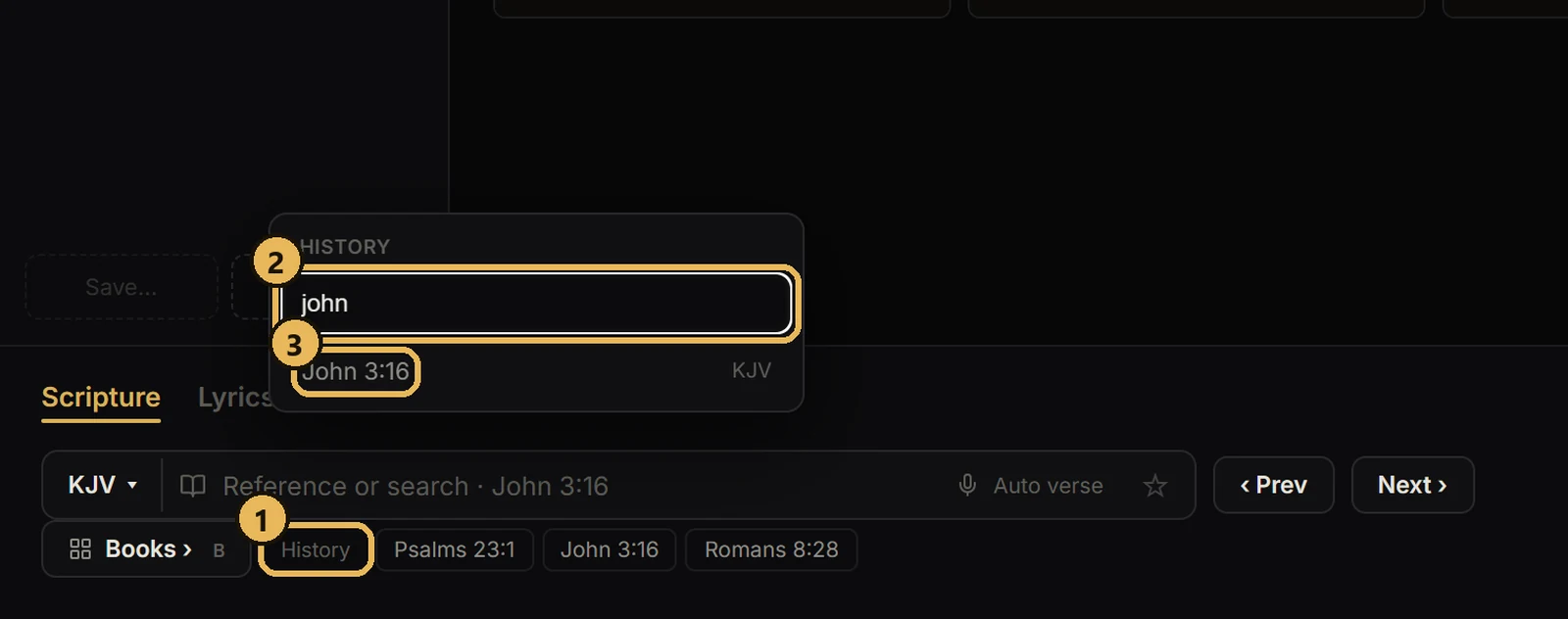
Bible and scriptureFind a verse you sent beforeThe last 20 verses, with a search box.