 Scriptas
The Show screen at a glance
Where things sit while you run a service.
Getting started5 steps
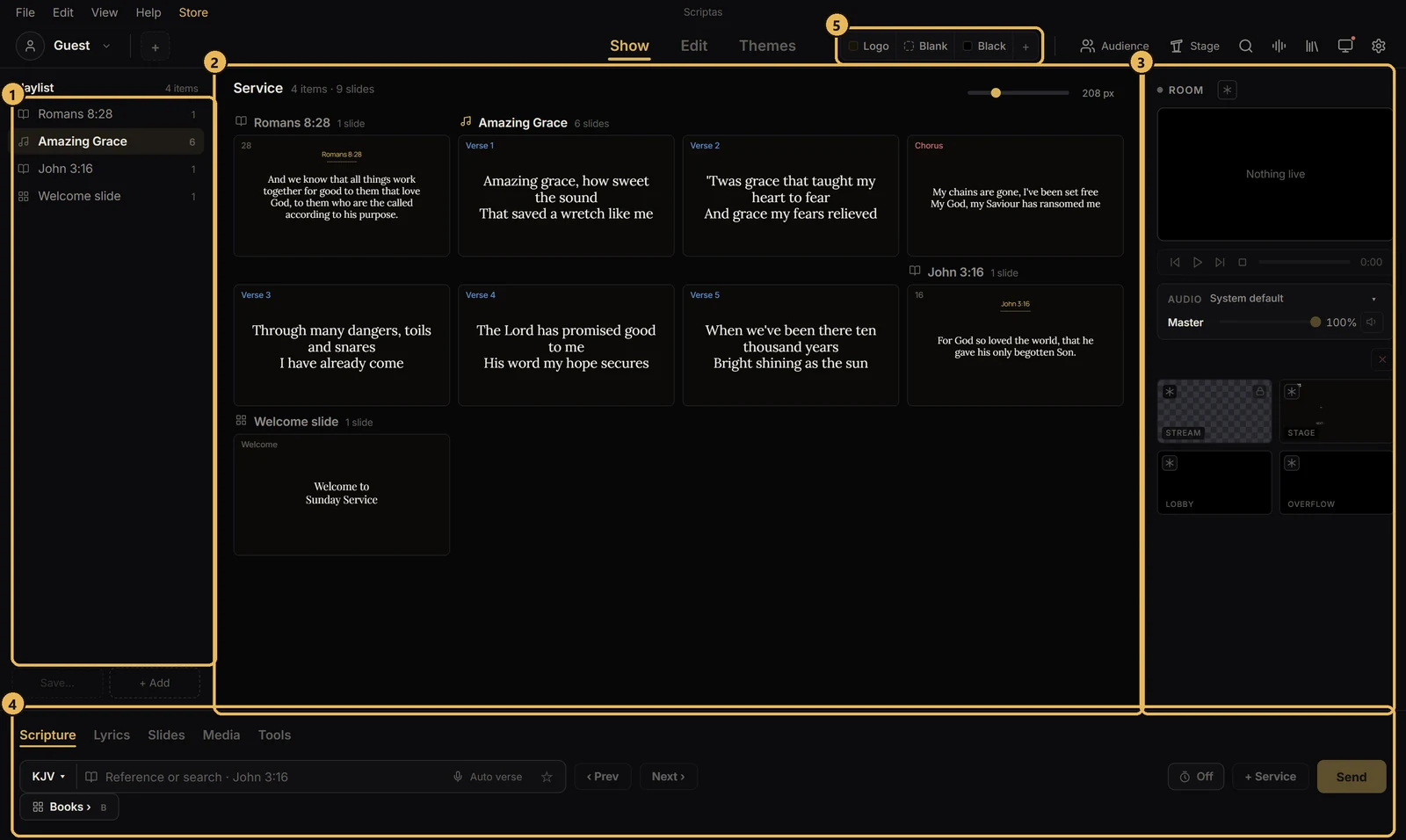
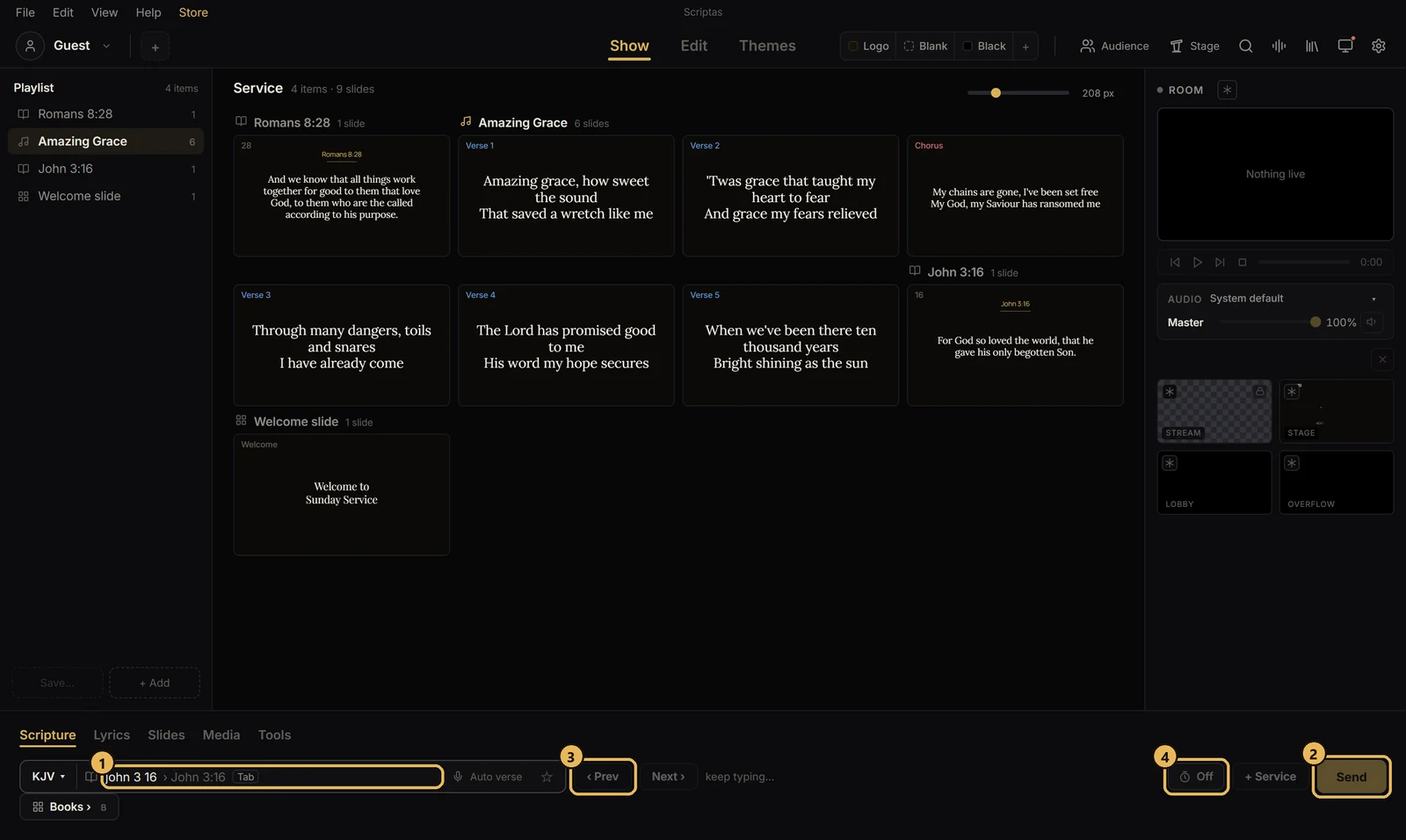
- 1Left: the playlist, in service order. + Add puts songs, verses, slides and media in it.
- 2Middle: the service's slides. Click one to show it on the screens.
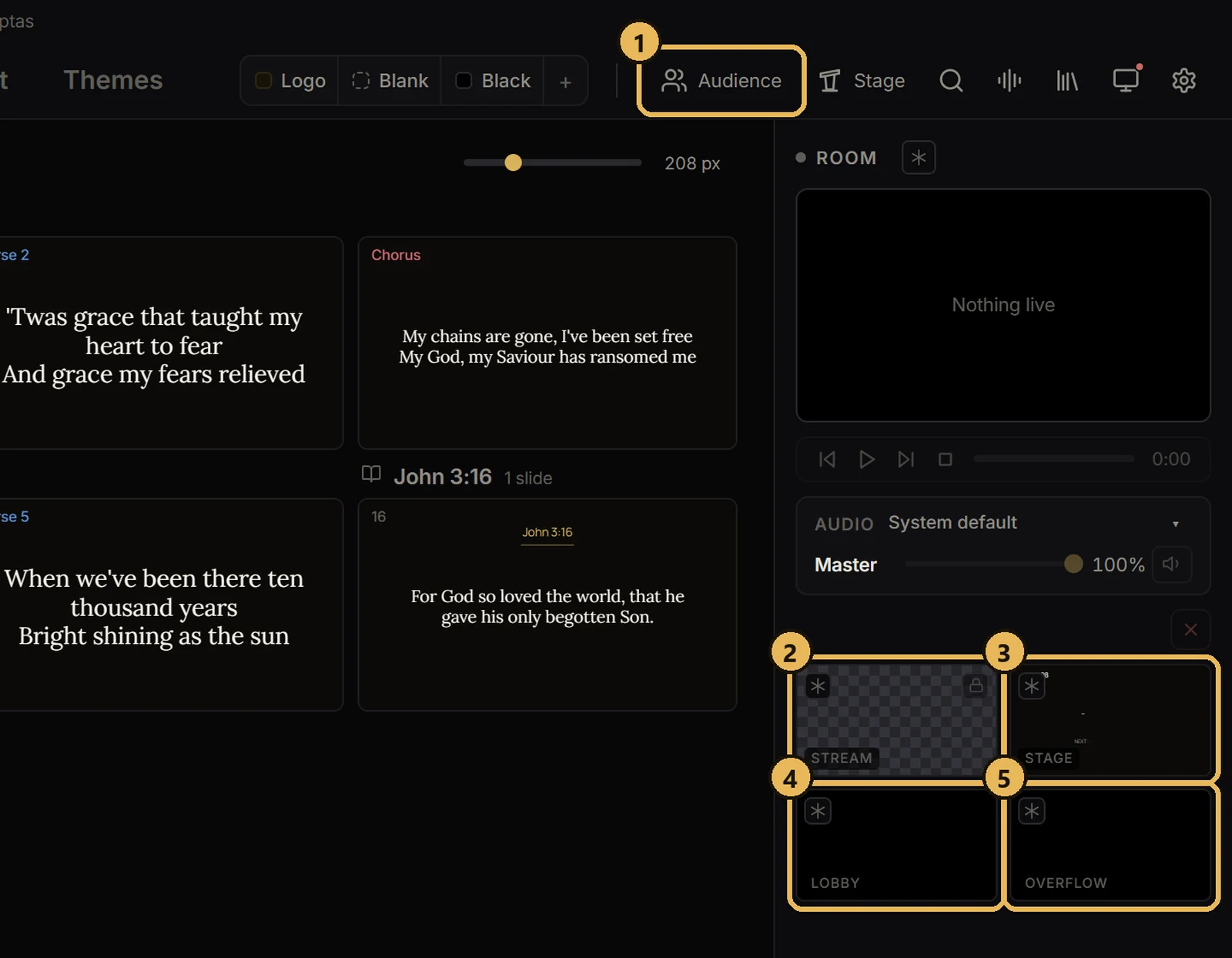
- 3Right: what each screen shows now. Click a small preview to see it large.
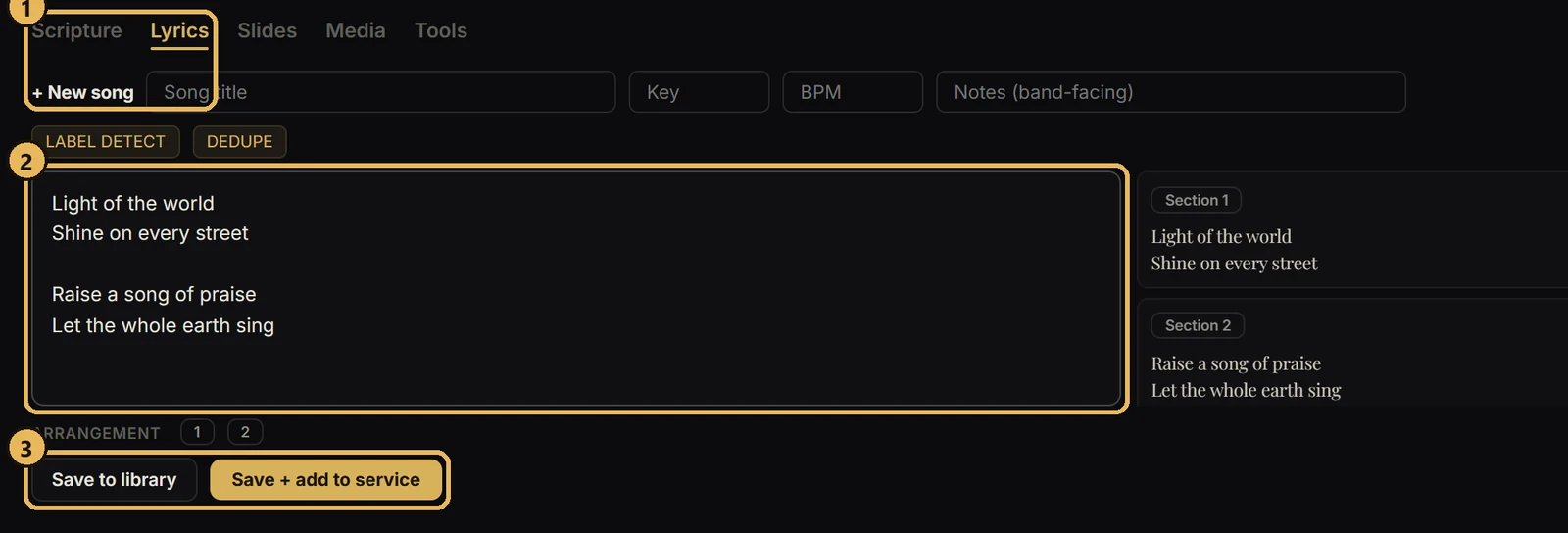
- 4Bottom: the tabs you work from: Scripture, Lyrics, Slides, Media and Tools.
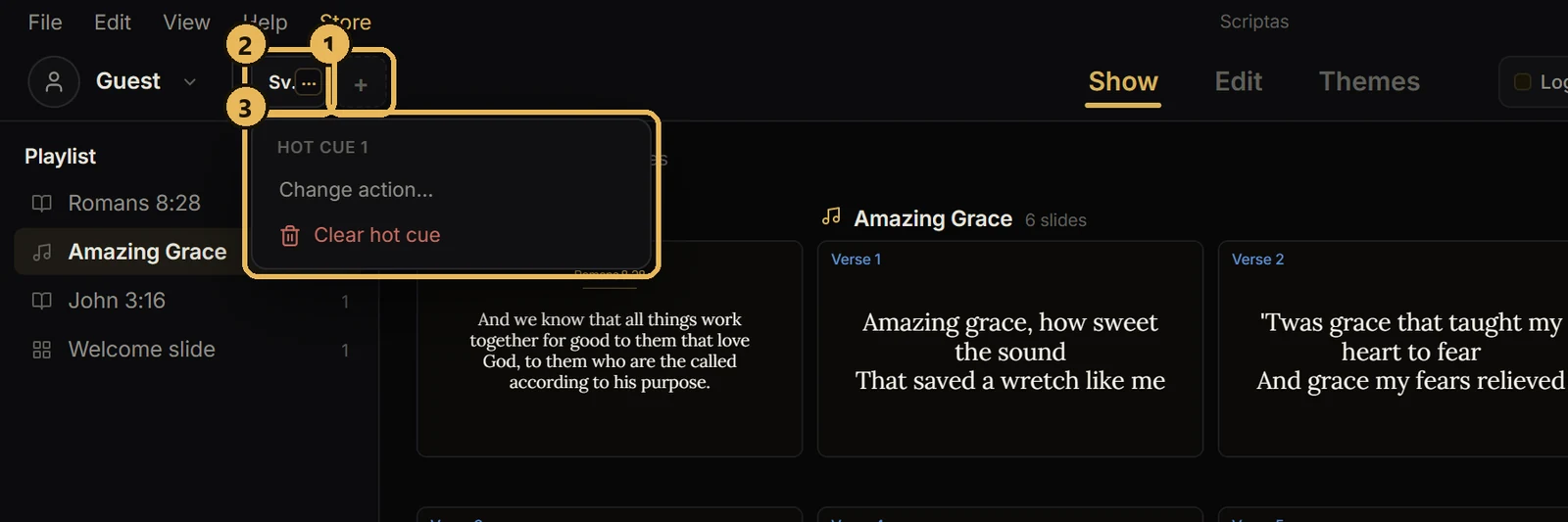
- 5Top: Logo, Blank and Black clear the screens in one click. Your hot cues sit next to your profile.