 Scriptas
Put a TV on a Scriptas screen
Join any TV on the church network with a 6-character code.
Screens and outputs4 steps
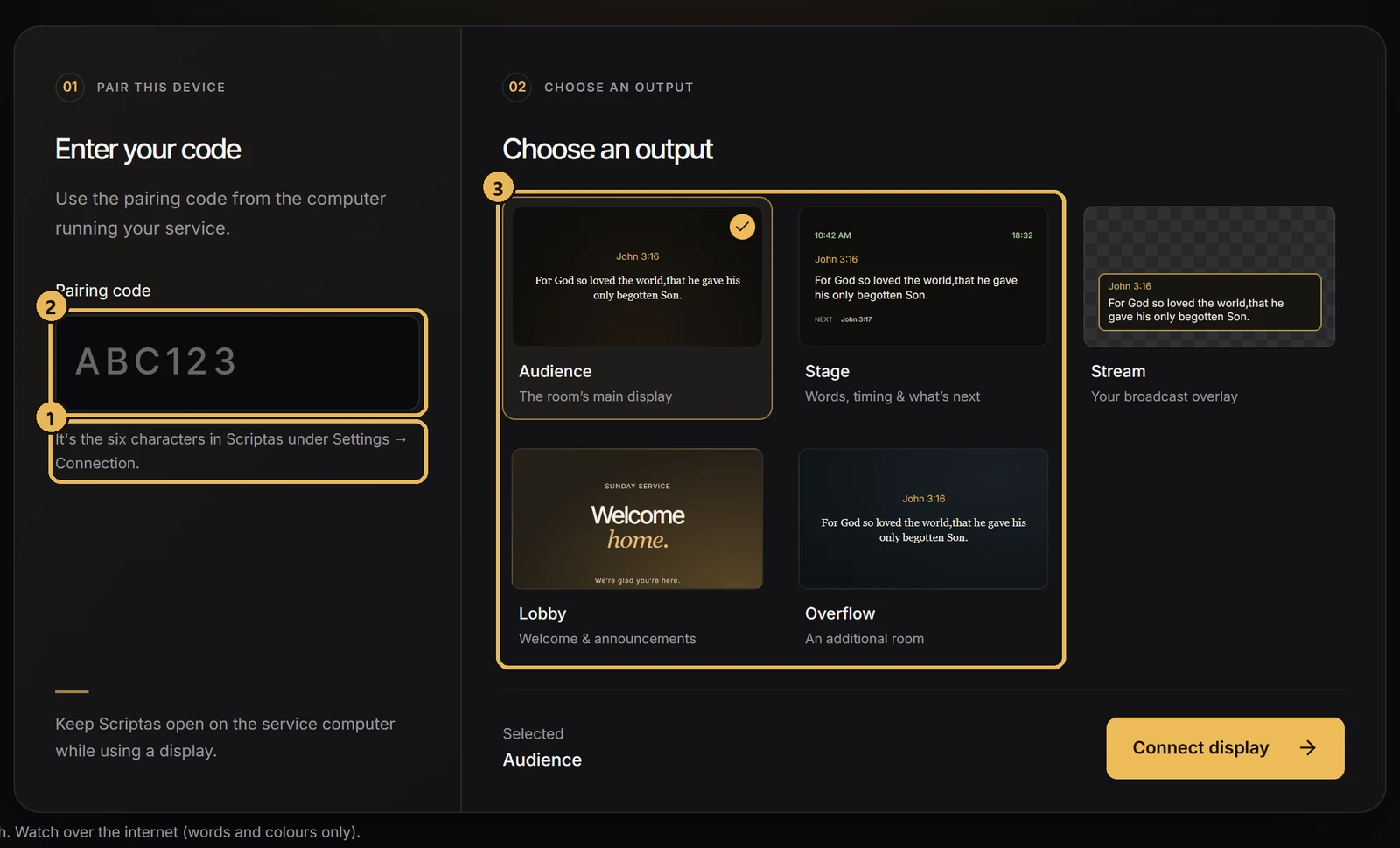
- 1In Scriptas, open Settings → Connection & Remote displays and find the pairing code.
- 2On the TV's browser, go to scriptas.org/display.
- 3Enter the code, then choose which screen this TV is.
- 4The TV remembers it and reconnects on its own next time.
Related guides
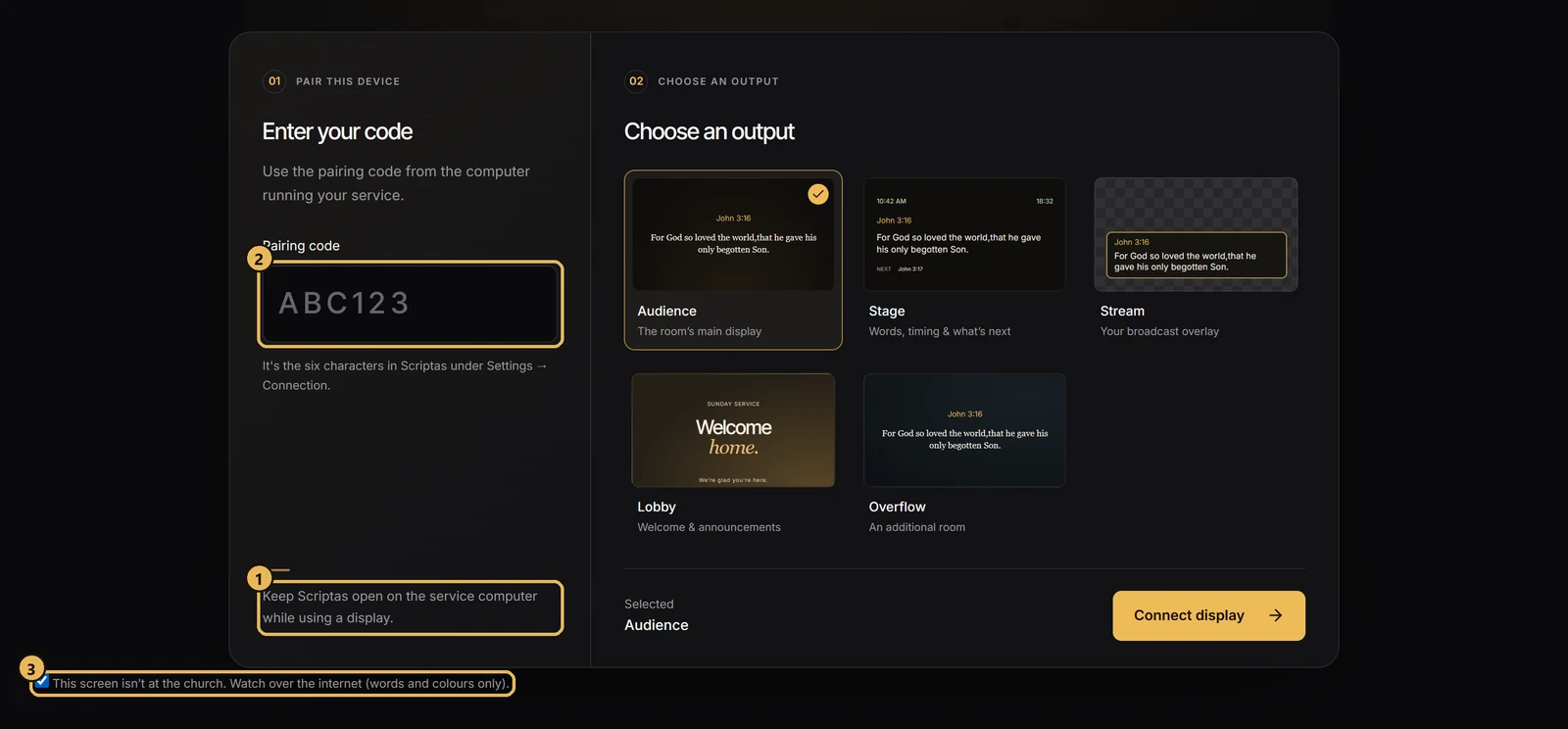
Screens and outputsShow the service off siteA TV off the church network can still follow along.
TroubleshootingThe TV can't find the computerscriptas.org/display says no computer answered.
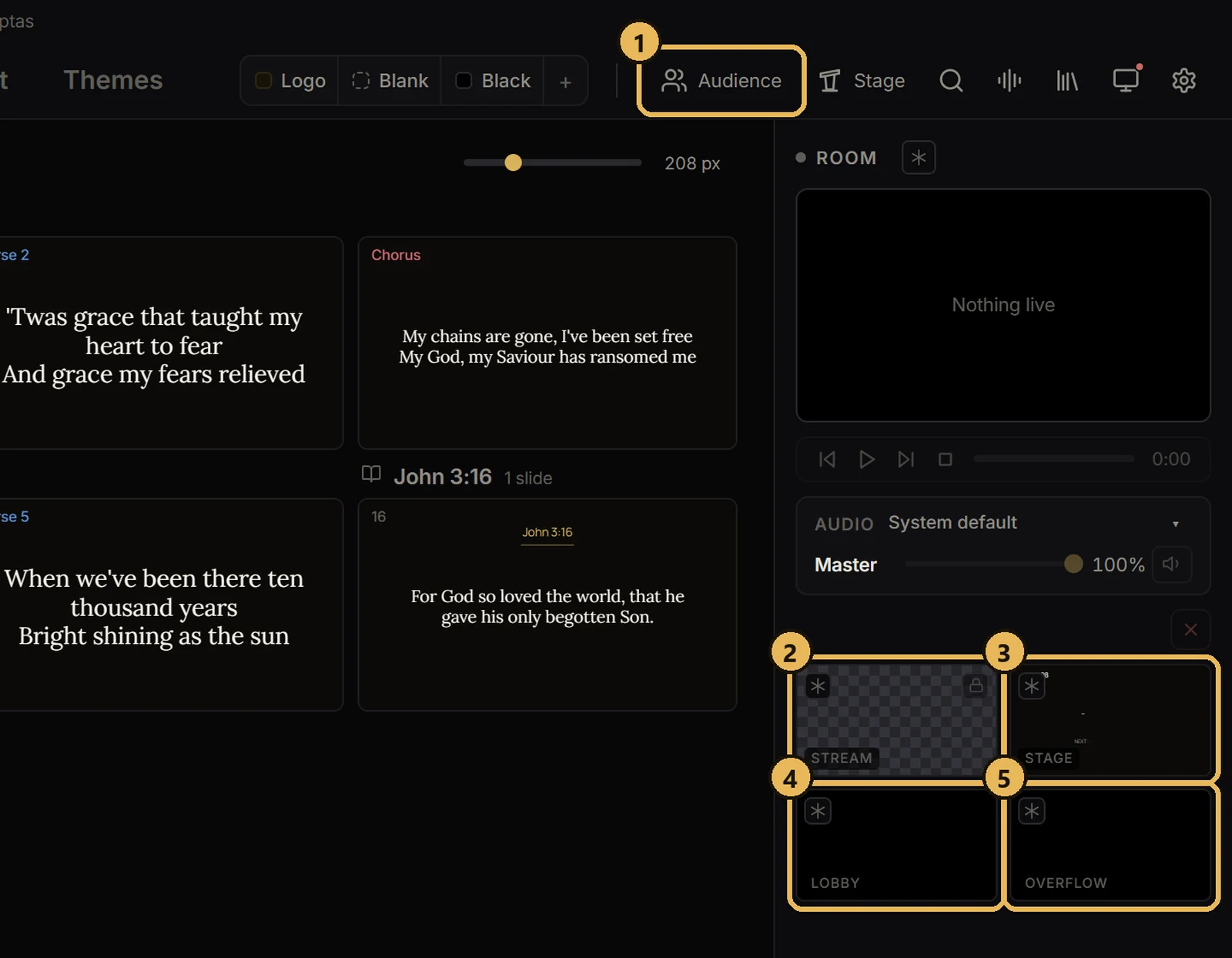
Screens and outputsThe five screensWhat each one does.
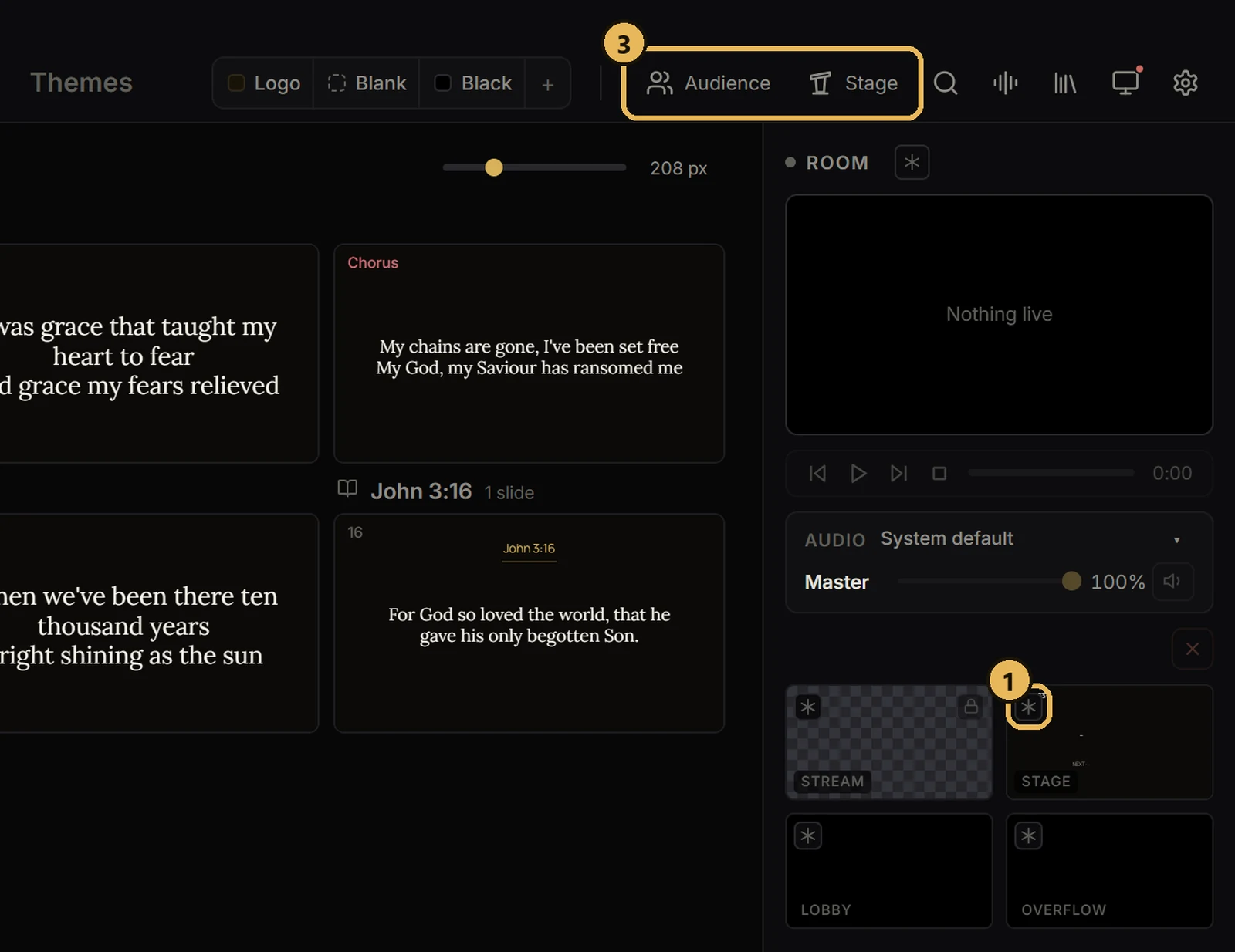
Screens and outputsFreeze or black out a screenHold one screen while you work, or make it dark.